Wallets
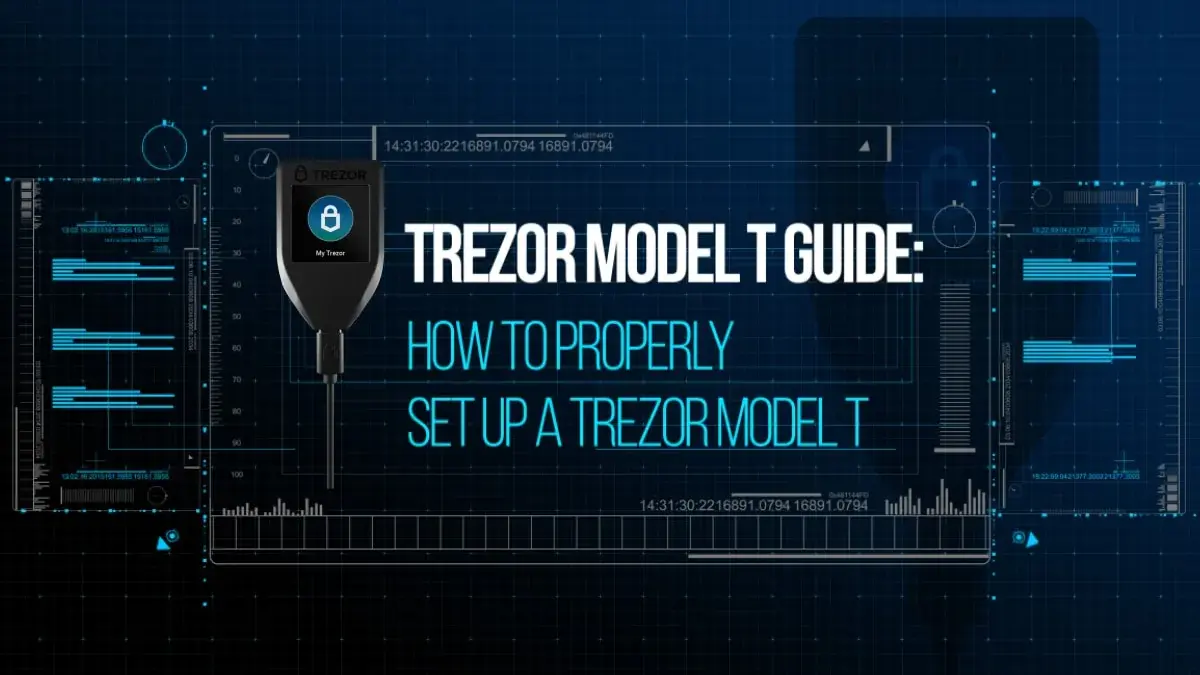
Trezor Model T Guide: How to Set Up a Trezor Model T
In 2025, the Trezor Model T remains a flagship cryptocurrency hardware wallet developed by SatoshiLabs.
Angela Wang
Category
Articles tagged Hardware Wallet.
In 2025, the Trezor Model T remains a flagship cryptocurrency hardware wallet developed by SatoshiLabs.
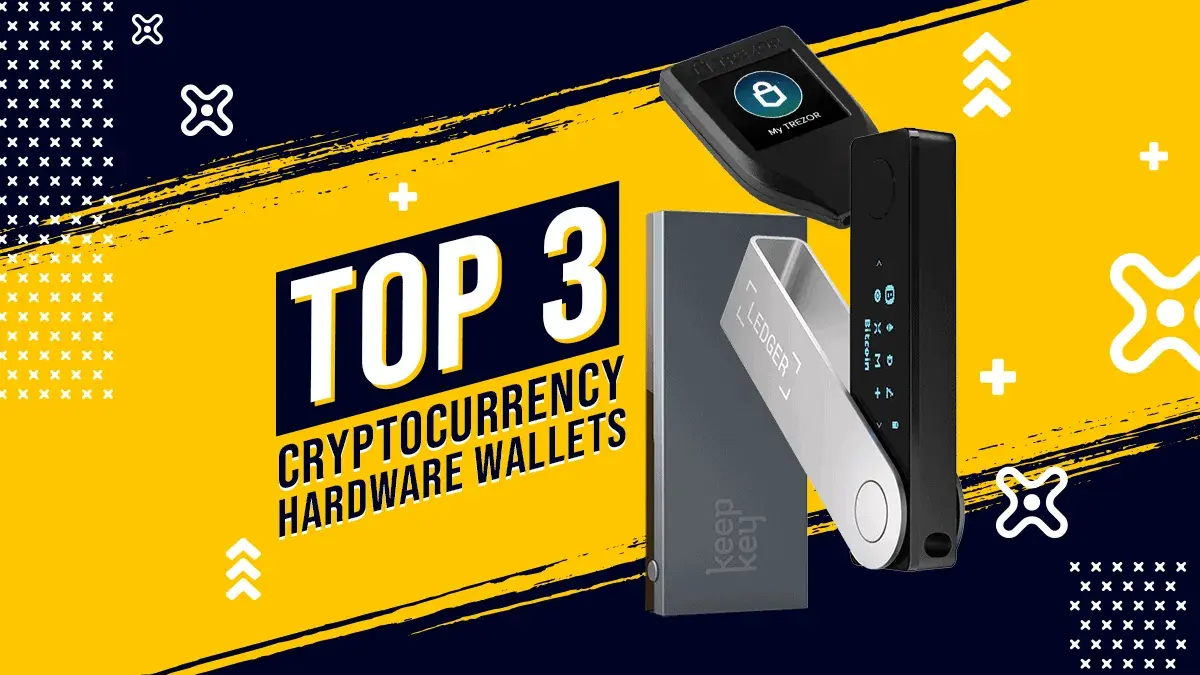
A 2026 comparison of Ledger Nano X, the discontinued-but-supported Trezor Model T, and the actively maintained KeepKey, covering security, design, assets and usability.
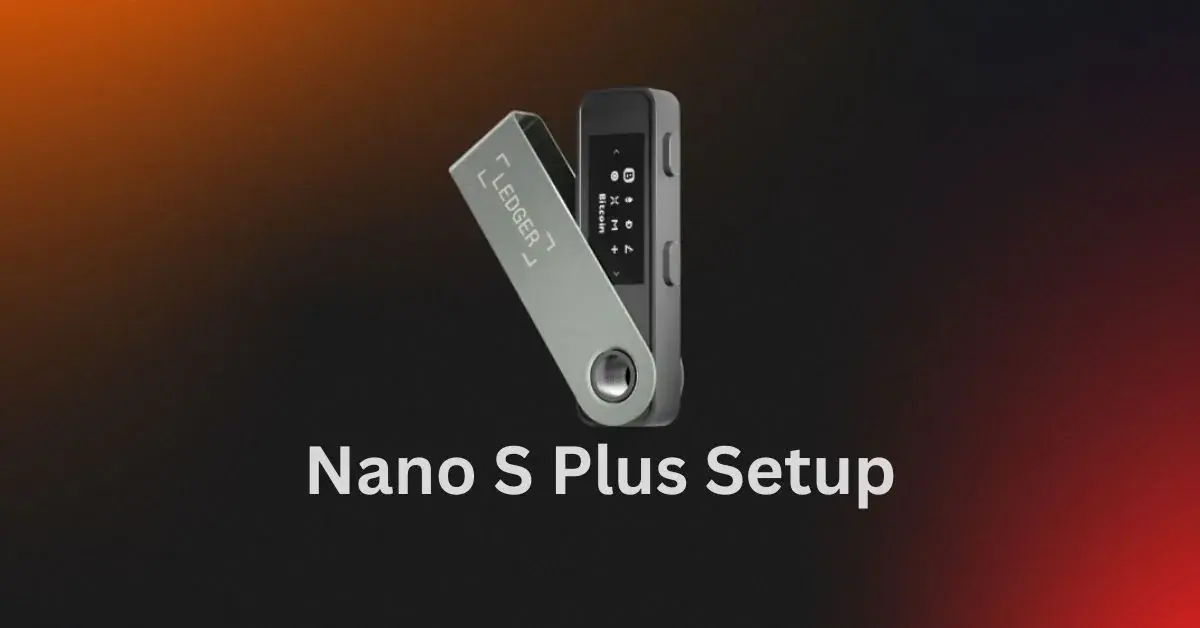
Setting up your Ledger Nano S Plus is the first step to protecting your cryptocurrency with secure, offline storage.
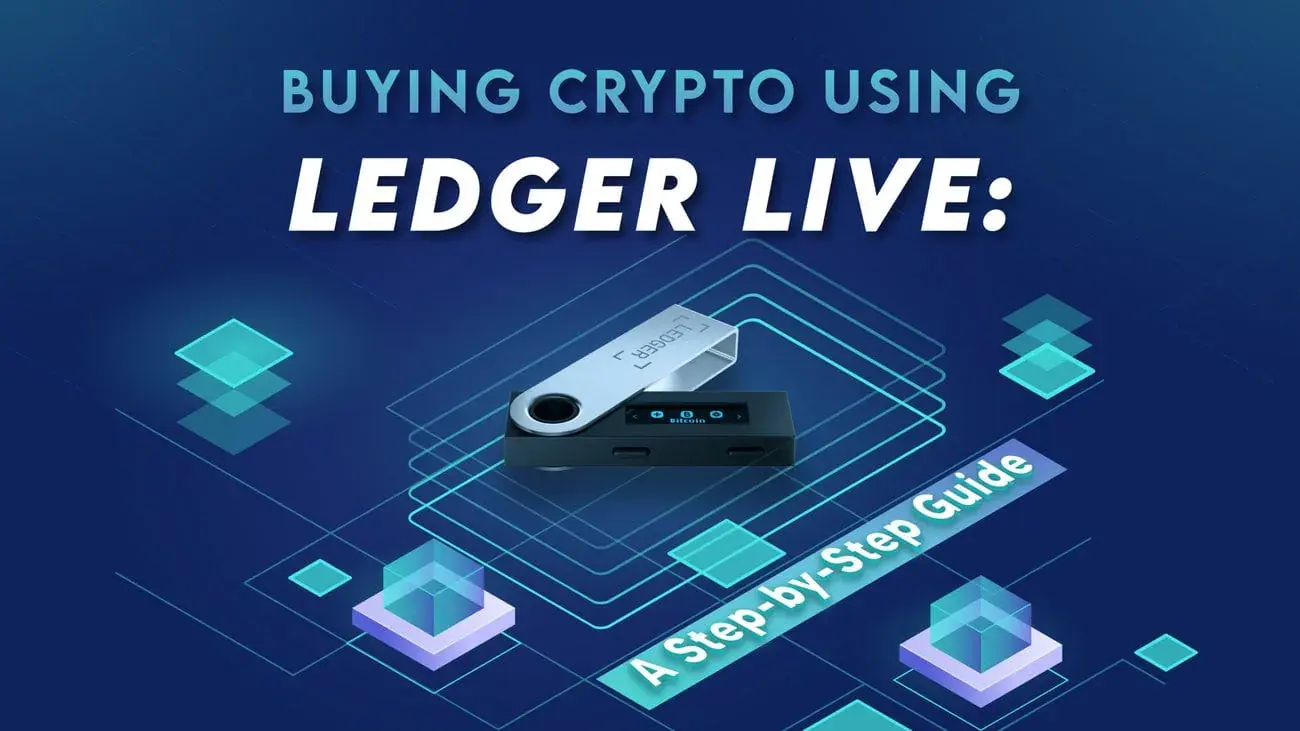
Ledger Live now lets users buy cryptocurrencies directly with credit/debit cards or bank transfers, thanks to integrated services from…
Set up Ledger Nano X safely, verify the device and receiving addresses, understand Bluetooth, protect the 24-word phrase and compare backup choices.
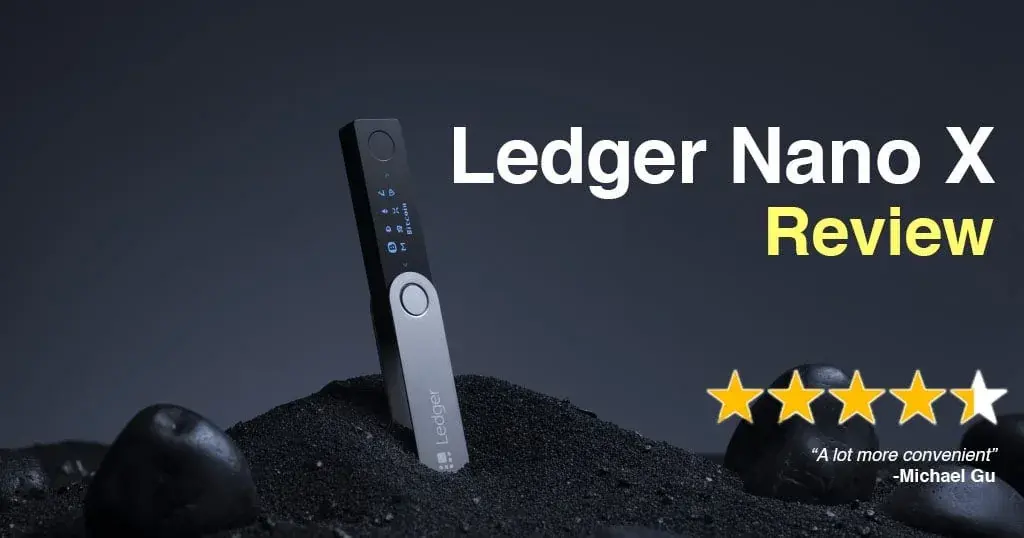
Ledger Nano X adds Bluetooth, more app storage and phone support, but newer touchscreen Ledgers improve transaction checks. Best for mobile users.

How Ledger Recover encrypts and splits wallet-secret entropy, which devices it supports, how identity recovery works, and the custody and privacy trade-offs.
Trezor Model T offers touchscreen self-custody and broad asset support, but Safe 5 is newer. This review helps buyers compare features and value.
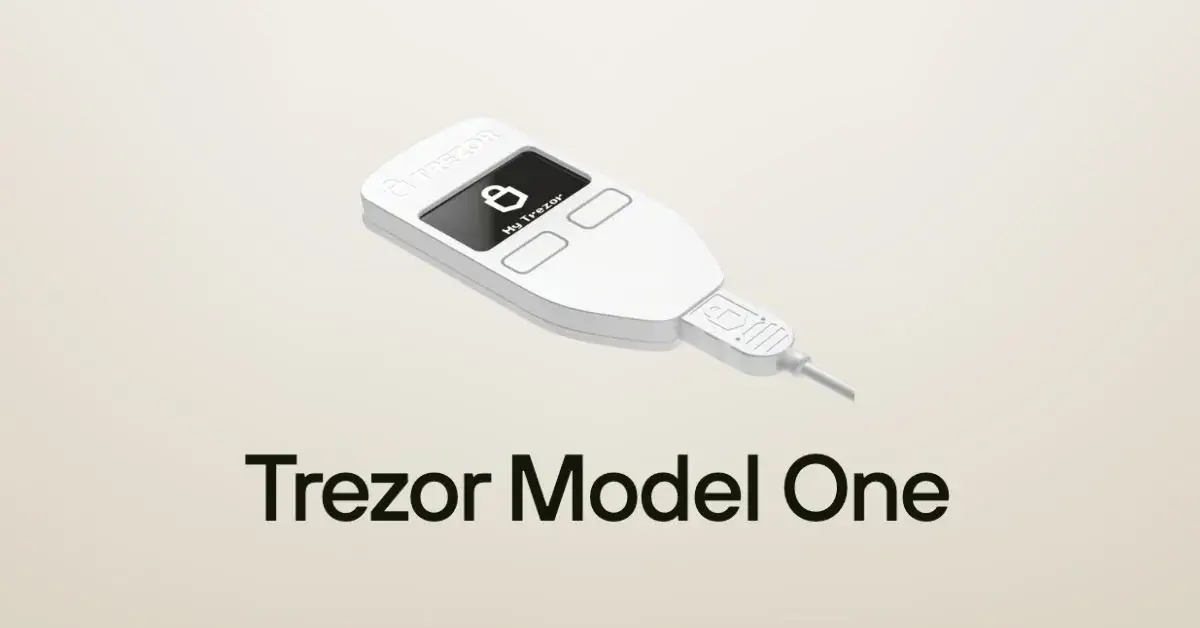
Trezor Model One is discontinued but supported until at least 2036. Existing owners can keep it; new buyers should compare the safer Safe series.

Ledger Nano S Plus offers USB-C cold storage and broad asset support for US$79, but no Bluetooth. It best suits desktop users prioritizing value.
A current guide to Polkadot, including its shared-security architecture, DOT staking and governance, OpenGov, Agile Coretime, supply cap and key risks.
Ledger , one of the top hardware wallet providers, has announced the launch of its new Ledger Stax wallet in partnership with Tony Fadell…
Boxmining uses Google Analytics cookies to understand which guides are useful, with no ads or personalisation. Privacy policy