
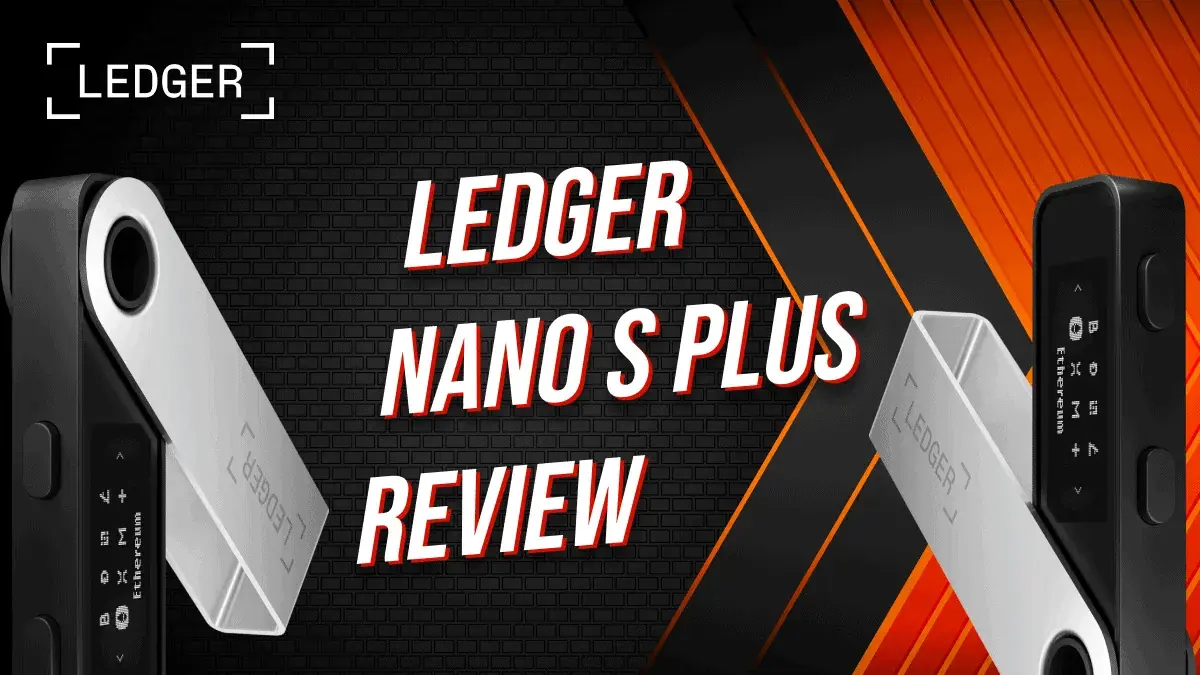
The Ledger Nano S Plus still makes sense in 2026 for desktop users who want a small, wired hardware wallet for long-term holdings. Its main compromises are the two-button interface, small screen and lack of iPhone connectivity. It is worth comparing with newer touchscreen models before buying.
Checked 20 October 2026: Ledger still lists the Nano S Plus for sale. Its official cold-wallet guide lists US$79, but the shop price loaded dynamically during this check. Treat US$79 as a reference price; confirm the local checkout total, shipping and taxes before ordering. This is the Nano S Plus, not the retired original Nano S.
The increasing popularity and adoption of cryptocurrency has expanded the wallet market. Now that many well-known traditional and crypto brands accept crypto as a payment option, enthusiasts are constantly on the lookout for safer ways to store their digital assets.
Ledger remains a leading name in hardware crypto wallets. Since the launch of the Nano S in 2016, Ledger has become a trusted choice for securing digital holdings. Over the years, Ledger has introduced several models, including the Nano S, Nano X, and Nano S Plus. The Ledger Flex offers an E Ink touchscreen and enhanced security features, making crypto storage even more accessible. The Ledger Nano S Plus is still available and remains an affordable option at US$79.
CLICK BELOW TO BUY!

Check out our previous Ledger reviews here:
Ledger Nano X review
Ledger Nano S review
What is the Ledger Nano S Plus?
The Nano S Plus is Ledger’s third release from its Nano series, a line of pocket-sized hardware crypto wallets. Ledger’s Nano S Plus has all of the features of the original Nano S but with a few unique features and upgrades.
Ledger Wallet is the current name of the companion app, formerly Ledger Live. Older setup guides may still use the previous name.
New features of the Ledger Nano S Plus
Ledger introduced the Nano S Plus with an exciting list of features and improvements over the two previous releases. Some of the major new features on the Nano S Plus include:
- NFT & DeFi Support: Users can securely store, send, and receive NFTs through the Ledger Wallet app and interact with various DeFi applications.
- Expanded Asset Compatibility: Supports over 5,500 digital assets, allowing users to manage multiple cryptocurrencies and blockchain-based assets.
- Improved Storage Capacity: With 1.5MB of storage, the device can run up to 100 different cryptocurrency apps simultaneously—significantly more than the original Nano S.
- Enhanced Display: Features a 128 x 64-pixel screen, similar to the Nano X, making transaction verification easier.
- Industry-Leading Security: Uses Ledger’s Secure Element chip (CC EAL6+ certification) to help protect private keys from physical and software attacks; it cannot make a malicious transaction safe.
- Compact Design: At 62.39mm x 17.40mm x 8.24mm and weighing just 21g, it remains highly portable.
- Low cost. The Nano S Plus comes at an affordable price of US$79, making it an attractive option for all levels of crypto traders.
Security features: is the Nano S Plus safe?
Ledger Nano S Plus continues to provide industry-leading security for cryptocurrency and NFT storage, featuring the following security enhancements:
- Secure Element Chip (CC EAL6+): The ST33K1M5 chip helps isolate private keys. CC EAL6+ is the chip certification, not a guarantee against scams or loss.
- PIN Code & Passphrase Protection: Users must set a secure PIN, and an optional passphrase adds another layer of security.
- Transaction Confirmation: Every transaction must be manually verified on the device’s screen, so checking the recipient, amount and any contract permissions remains essential.
- Anti-Tampering Measures: Ledger hardware wallets are designed to resist physical attacks and unauthorized modifications.
- Ledger Wallet Integration: The wallet works seamlessly with Ledger Wallet for secure asset management, while DeFi contracts and third-party services retain their own risks.
To learn more about the security features of the Nano S Plus and Nano X, click here.
5/5 Security Rating
Cryptoasset support
2026 support update: The 5,500-asset figures below reflect earlier coverage. Ledger now advertises 15,000+ supported assets across its ecosystem, including third-party wallets. That does not mean every asset is managed directly in Ledger Wallet. Check the official asset directory for your exact token, network and required wallet before transferring.
A major Nano S Plus feature is the huge roster of supported crypto assets and apps. The Nano S Plus supports over 5,500 assets and can accommodate up to 100 different apps. Some supported assets include:
- Bitcoin (BTC)
- Ethereum (ETH)
- ERC-20 tokens
- Dogecoin (DOGE)
- XRP
- BNB
- Cardano (ADA)
- Polygon (MATIC)
- Litecoin (LTC)
- Tron (TRX)
The Nano S Plus has 1.5MB of storage and with that can install up to 100 apps, depending on app sizes. On Ledger devices, an “app” refers to the app required to be installed to access a cryptocurrency on the device e.g. in order to access your BTC on the device you need to install the app on the Ledger first. Meaning that, unlike the Nano S which can only run 3 apps simultaneously, many users can keep their frequently used apps installed. Capacity varies with app sizes and updates.
But what is truly unique about the Nano S Plus is that it supports NFT signing alongside other Ledger models; NFT support is not exclusive to this device. Users of the Nano S Plus can securely hold, send, and receive NFTs via the Ledger Wallet app. Ledger has made this process user-friendly, as owners can authenticate transactions right from the wallet’s interface.
Users of the Nano S Plus can also buy, exchange, lend, and stake cryptocurrencies directly via Ledger Wallet, enhancing accessibility to decentralized finance platforms.
The NFT support and DeFi app access give the Nano S Plus an even bigger boost in features compared to the Nano S and for that reason, we rank this category even higher than the Nano X.
4.8/5 cryptoasset support
App storage is not coin storage: assets remain on their blockchains. Uninstalling an app does not delete your holdings; reinstalling it restores access to the same accounts when using the same recovery phrase. Ledger explains this in its guide to device apps. “Up to 100 apps” is a capacity ceiling, not a promise for every combination.
Hardware design
Similar to the Nano S, the Nano S Plus also has two hardware buttons located on the top of the device.
The Nano S Plus has a much larger screen than its predecessor, which makes usage very easy. Same as the Nano X, the 128 x 64-pixel screen makes operating the device simple and helps users navigate the product’s features. The main benefit of the larger screen is that users can review addresses on the device, scrolling through the details as necessary. The screen also blends well into the rest of the device, adding to the Nano S Plus’ aesthetic appeal. And whilst the screen size on the Nano S Plus is the same as the Nano X, the Nano S Plus is a much smaller device overall.
The Ledger Nano S Plus’ measurements are smaller than the Nano X at 62.39 x 17.40 x 8.24 mm, and weighs in at only 21g. The wallet is about the size and weight of an average USB flash drive and is easy to carry around. It also uses a Type-C USB interface for quick setup and seamless connectivity with computers and Android devices.
4.5/5 for hardware design
4.5/5 for ease of use
What’s in the Ledger Nano S Plus Box?
The Nano S Plus wallet comes with the following inside the box:
- The Ledger Nano S Plus hardware
- A Type-C USB cable to connect the Ledger to a computer
- An orange box with three notepads for the Secret Recovery Phrase
- A purple box with the manual instructions
- A key-holder chain with a Ledger logo
Ledger Nano S Plus vs Nano X and Nano Gen5
The Nano X adds Bluetooth and iOS connectivity. Choose it over the S Plus if signing from an iPhone matters. Both use a small OLED screen with buttons, so neither offers the review experience of a touchscreen.
The Nano Gen5 adds an E Ink touchscreen, Bluetooth and NFC. Ledger’s current signer comparison also distinguishes the touchscreen range through Transaction Check and Ledger Recovery Key support, which the S Plus lacks. Those are practical differences for frequent signing; they do not make every transaction safe. Our Ledger Flex review covers another touchscreen option.
Ledger Recover: what are you trusting?
Ledger Recover, provided by Coincover, is an optional subscription backup service. Ledger says the Nano S Plus supports it through the desktop app. After approval on the device, encrypted recovery entropy is divided into three fragments and sent to separate providers. You do not have to subscribe to use the wallet with your own recovery-phrase backup.
The controversy is about the trust model: approved firmware can support exporting encrypted recovery material, and subscribers rely on outside providers and identity checks for recovery. Decide whether that trade-off suits you rather than assuming a Secure Element removes all trust in the manufacturer. Our Ledger Recover explainer goes deeper.
Boxmining's Take: is it worth it in 2026?
For most people, a hardware wallet is unnecessary for everyday amounts. An up-to-date iPhone with a secure enclave and a good self-custody app can be enough for daily use; Michael does not carry a hardware wallet every day. That is a practical view, not a claim that phone and hardware-wallet risks are identical.
The S Plus is more compelling for larger long-term holdings kept separate from daily spending and experimental DeFi. Its wired design is straightforward, but the tiny screen makes careful review slower. Start with our hardware-wallet comparison if you are still choosing a device. Buy for the storage job you actually have, not because a hardware wallet is a must-have accessory.
Security habits: Download the companion app through Ledger’s official site, run its genuine-device check during setup, and write down the recovery phrase generated by your device. Never use a pre-filled phrase or type it into a website or support chat. Keep long-term storage accounts separate from accounts used to approve unfamiliar contracts.
Final Verdict
The Ledger Nano S Plus remains an excellent choice for users seeking a secure, reliable, and user-friendly hardware wallet. It continues to provide industry-leading security with a CC EAL6+ certified Secure Element chip, helping protect private keys while leaving transaction review and recovery-phrase security to the owner.
With support for over 5,500 digital assets, including NFTs and DeFi applications, the Nano S Plus is well-equipped for modern crypto users. Its expanded storage capacity allows for up to 100 apps to be installed simultaneously, making it a practical option for managing multiple cryptocurrencies without needing to delete and reinstall applications.
The affordable price of US$79 makes the Nano S Plus an attractive entry point for both beginners and experienced investors looking to secure their holdings. While Ledger has introduced newer models like the Ledger Flex, the Nano S Plus remains a cost-effective and compact alternative with reliable functionality.
Ledger Nano S Plus worth it?
[wp-compear id=”5154″]
Product Specifications (Technical Specifications)
Ledger Nano S Plus Product Specifications:
| Secure Element | ST33K1M5 |
| Compatibility | Desktop and Android over USB-C; no iOS support. Ledger’s product page lists Windows 10/11, macOS Monterey/Ventura, Ubuntu LTS 20.04/22.04 (excluding ARM processors) and Android 10+. Check current app requirements before installation; old operating-system minimums are not a recommendation to run unsupported software. |
| Connector | USB-C |
| Security Certification | CC EAL6+ |
| Size | Size: 62.39mm x 17.40mm x 8.24 mm Weight: 21g |
| Supported assets | 5,550+ digital assets plus NFTs and DeFi app access |
Cryptocurrency hardware wallet reviews
Check out our other hardware wallet reviews:
Ledger Stax Review: A premium hardware wallet with strong security, a curved E Ink touchscreen, and extensive cryptocurrency support, helping investors protect their digital assets.
Ledger Flex Review: User Friendly Security – A deep dive into the Ledger Flex, highlighting its intuitive touchscreen and security features.
Ledger Nano S Plus Review – Covers the affordability and enhanced capacity of the Nano S Plus, making it a great entry-level option.
Trezor Model T Review: Is It Worth Buying? – Examines the security features and usability of the Trezor Model T, a popular alternative to Ledger wallets.
Top 3 Cryptocurrency Hardware Wallets: Which One’s Best? – A comparison of the Ledger Nano X, Trezor Model T, and KeepKey, analyzing their security, design, and ease of use.
Frequently asked questions
Is the Ledger Nano S Plus safe?
It isolates private keys in a Secure Element and requires on-device approval. It cannot protect you from signing a malicious approval or giving away your recovery phrase. Keep that phrase offline and review transaction details on the device.
How much does the Ledger Nano S Plus weigh?
Ledger lists 21g and dimensions of 62.4 × 17.4 × 8.2mm. Weight alone is not an authenticity check.
Does the Nano S Plus work with iPhone or Bluetooth?
No. It uses USB-C with desktop computers or compatible Android phones, with no battery or Bluetooth. Consider the Nano X or a compatible touchscreen Ledger for iPhone use.
How many apps can the Nano S Plus hold?
Up to 100, depending on app sizes. Apps handle blockchain signing rather than storing coins. You can uninstall and reinstall them without deleting your assets.
Is the Ledger Nano S Plus discontinued?
Ledger still listed it for sale when checked on 20 October 2026. Do not confuse it with the original Nano S. Stock, colours and checkout prices can vary by region.
Share
Found this useful?
Share it with someone who'd want to read it.
Related
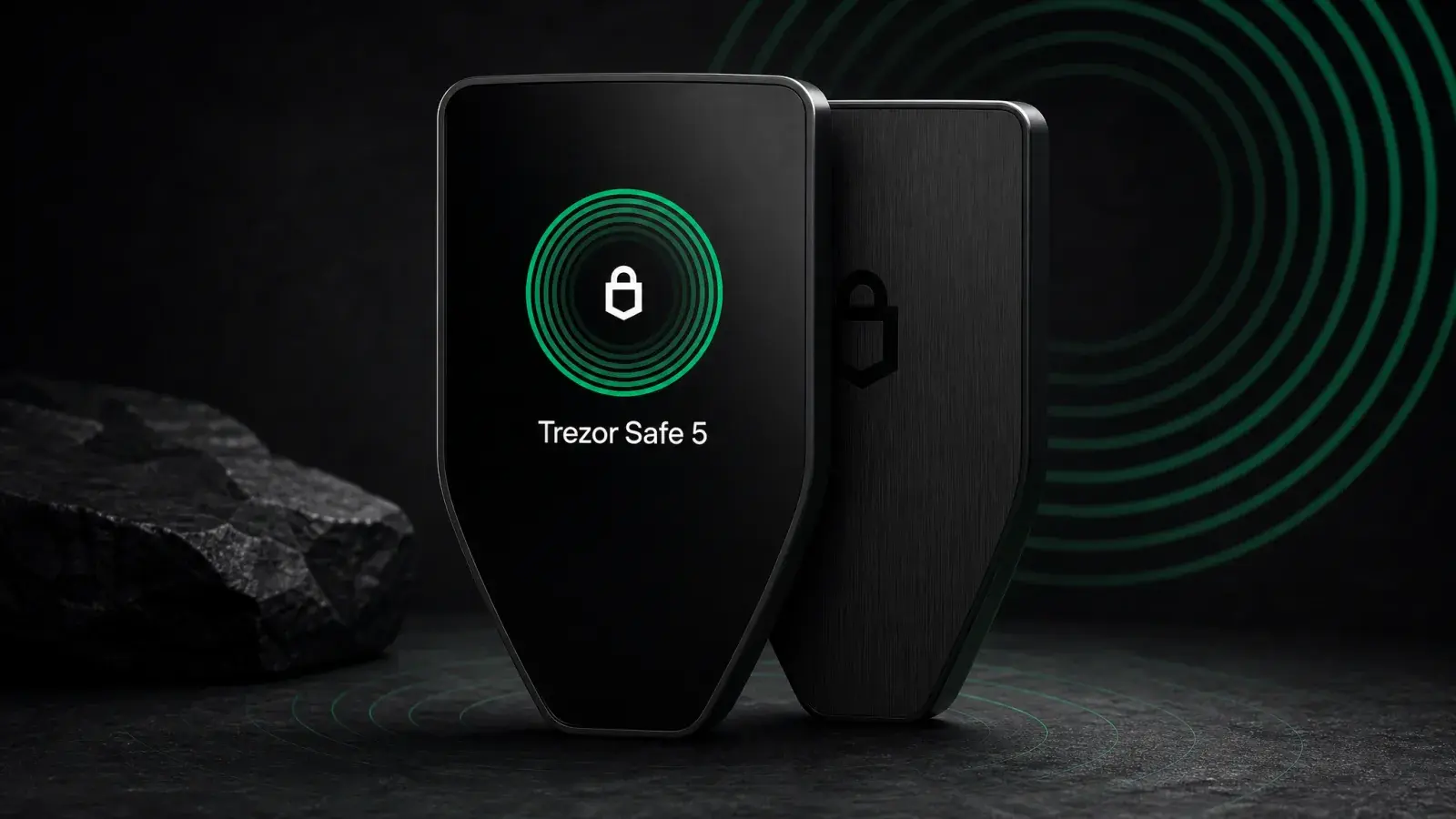
Trezor Safe 5 Review (2026): Best-Balanced Trezor
Trezor Safe 5 review: is the $129 touchscreen wallet worth it in 2026? Compare Safe 3, Safe 7 and Model T, plus the iPhone limits.
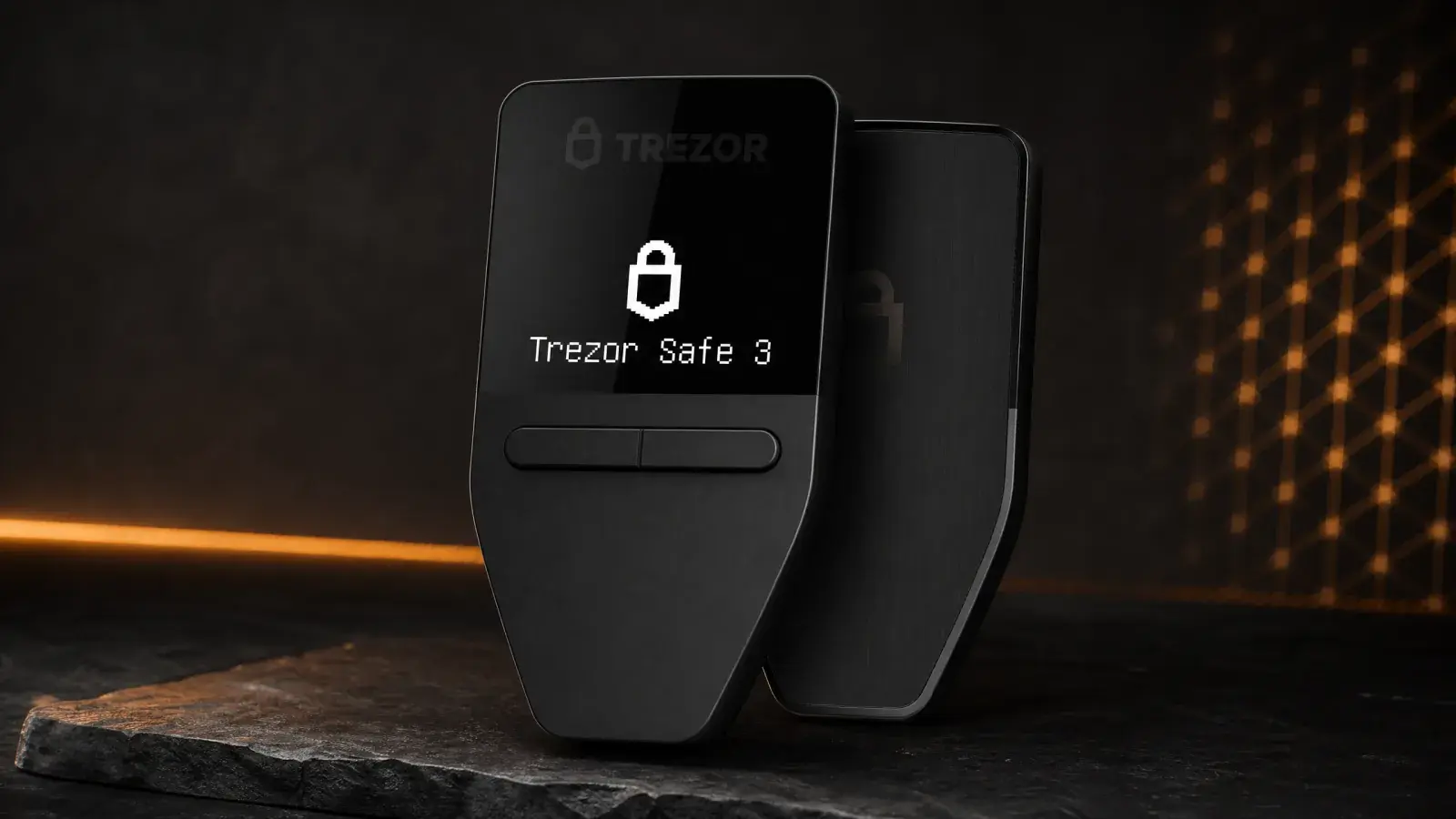
Trezor Safe 3 Review (2026): The Best US$79 Cold Wallet?
Trezor Safe 3 offers open-source cold storage and an EAL6+ Secure Element for US$79. Best for holders who accept a tiny screen and no iPhone support.
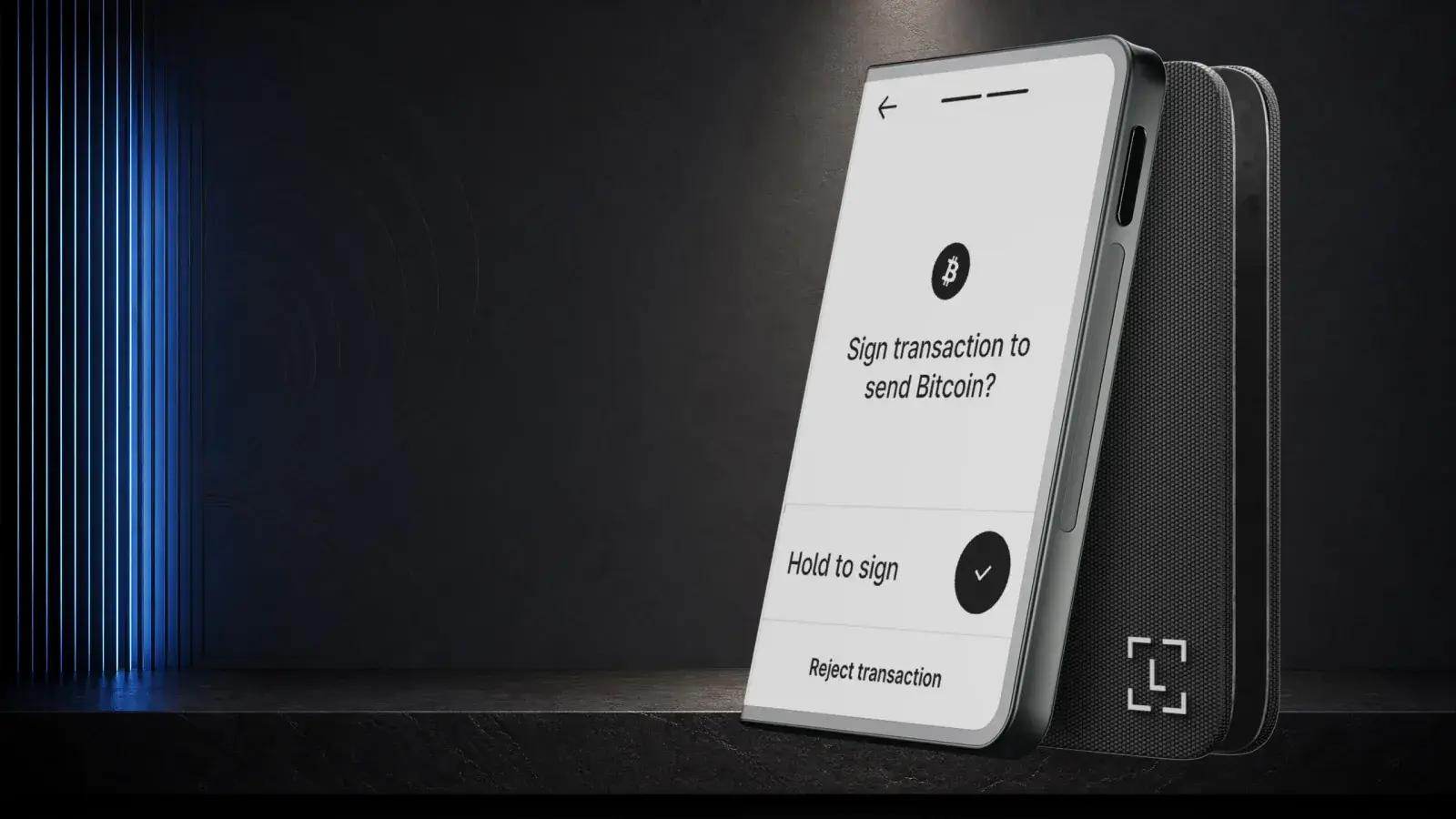
Ledger Stax Review (2026): Is the $399 Wallet Worth It?
Ledger Stax offers a curved E Ink screen and Qi charging for US$399, but not stronger key protection. It suits design-first buyers, not value seekers.