
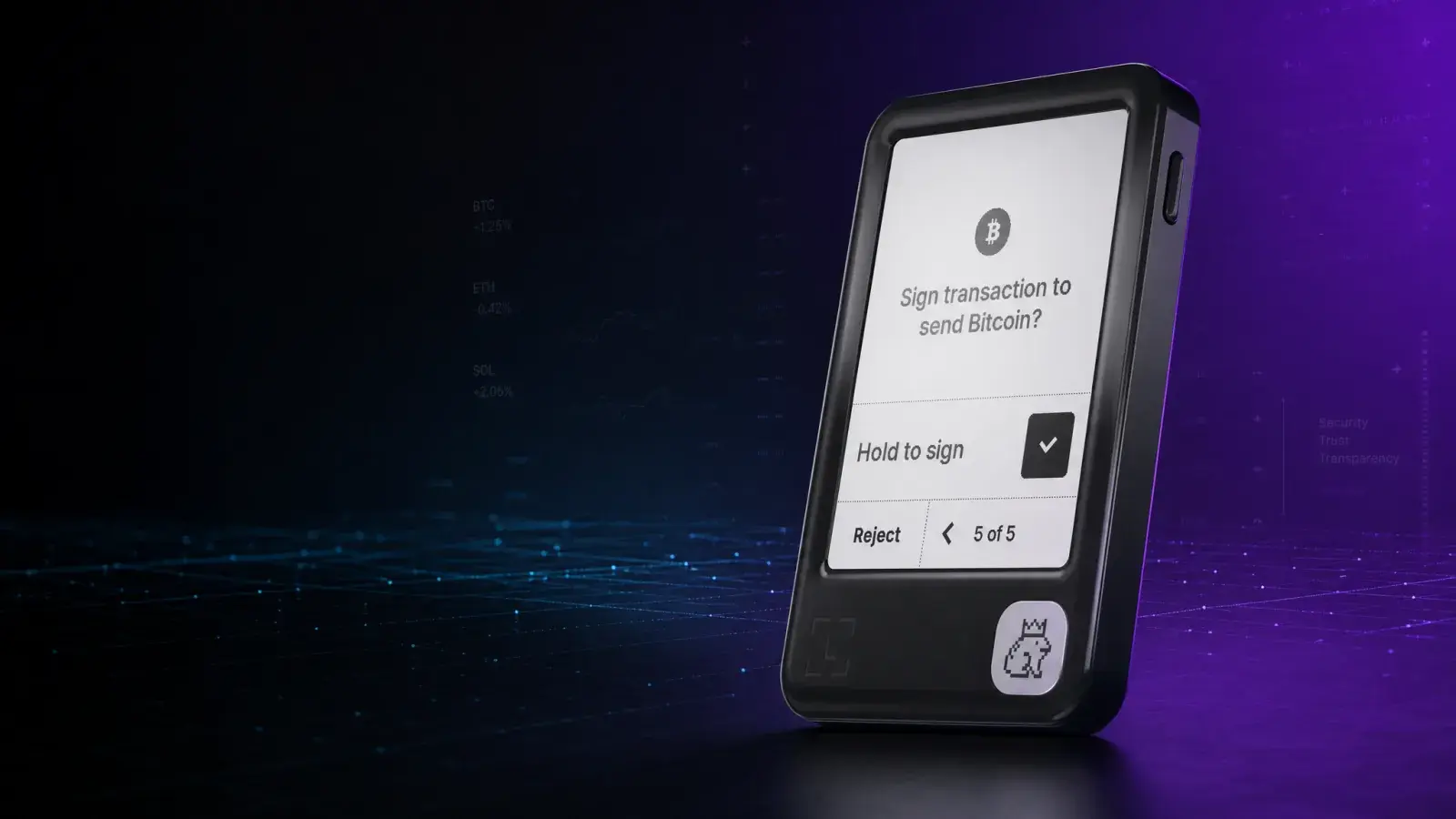
Bottom line: The Ledger Nano Gen5 is the easiest Ledger to recommend to a new buyer in 2026. The US$179 price is not cheap, but it buys the security feature that matters most in daily use: a screen large enough to understand what you are approving. The plastic body and closed Ledger stack will still turn off some security purists, while long-term holders who rarely transact can save money with a Nano S Plus. For everyone regularly using crypto from a phone, this is the practical middle of Ledger’s range.
Ledger kept the Nano name and threw away the USB-stick shape.
The Ledger Nano Gen5, launched at Ledger Op3n on October 23, 2025, is a compact touchscreen signer closer in shape to the Ledger Flex than the old Nano X. It connects over USB-C or Bluetooth, uses NFC for backup and authentication features, and puts a 2.8-inch E Ink touchscreen directly under Ledger’s Secure Element.
That screen is the real upgrade. Hardware wallets do not stop you from approving a bad transaction. They give you a trusted place to inspect it. A larger display does not sound exciting until a malicious smart contract is asking for an unlimited token approval and the old wallet shows the details four characters at a time.
Review methodology: Boxmining has not claimed a hands-on durability or battery test for this unit. This review assesses the shipping product, current software features, official technical documentation and its position against wallets we have previously covered. Prices and software support were checked on August 10, 2026.
Ledger Nano Gen5 specifications
| Feature | Ledger Nano Gen5 |
|---|---|
| List price | US$179 |
| Display | 2.8-inch monochrome E Ink touchscreen, 300 × 400 pixels |
| Security | ST33K1M5 Secure Element, CC EAL6+, Ledger OS |
| Connectivity | USB-C, Bluetooth 5.2, NFC |
| Size | 79.4 × 53.3 × 8.6 mm |
| Weight | 46 g |
| Direct app support | 500+ assets through Ledger Wallet |
| Wider support | Thousands of coins, tokens and NFTs through third-party wallets |
| Desktop/mobile | Windows, macOS, Ubuntu, iOS 15+, Android 10+ |
| Included backup | Three recovery sheets and one Ledger Recovery Key |
These are the current specifications on Ledger’s Nano Gen5 product page. The device is not compatible with Chromebooks, an easy detail to miss if that is your main computer.
What changed from the old Ledger Nano wallets?
The original Nano S and Nano X made cold storage affordable, but their tiny OLED screens and two-button controls came from another era. They remain capable Bitcoin signers. They are much less comfortable when a modern transaction contains a contract, token allowance, network fee and long destination address.
Nano Gen5 changes four things that affect normal use:
- A real touchscreen. Transaction details can be presented as a readable sequence instead of squeezed into a ticker-sized display.
- Clear Signing and Transaction Check. Supported transactions can show human-readable intent, while Transaction Check can simulate EVM transactions and flag suspicious outcomes.
- Phone-first connectivity. Bluetooth works with iPhone and Android; USB-C remains available for users who prefer a cable.
- NFC. This supports Ledger Recovery Key and lets the device act as a security key for compatible logins.
It is still a signer, not a vault containing coins. Your assets remain on their blockchains. The device protects the private keys used to authorize movements.
The screen is the reason to upgrade
Ledger calls the Nano Gen5 display a Secure Screen because the Secure Element drives it directly. A compromised laptop should not be able to replace the address or amount shown on the device without creating a mismatch. You still need to slow down and read it.
Clear Signing translates supported transaction data into human-readable actions. Transaction Check goes further by sending an unsigned EVM transaction to simulation providers and returning a risk assessment that the device can verify.
This is useful, not magic. Clear Signing only works when the wallet, application and transaction type have the required metadata. Transaction simulation is an external service, not an audit of every contract. If the Nano Gen5 displays opaque data or asks you to blind sign, the large screen has not made that transaction safe.
Security: strong hardware, familiar trust trade-offs
The Nano Gen5 uses Ledger’s ST33K1M5 Secure Element with a CC EAL6+ certification. Private keys and signing operations stay inside that chip, and Ledger’s own Donjon team tests the hardware and software against physical attacks.
Ledger’s security model is mature, but it is not fully open in the way Trezor’s firmware and designs aim to be. The Secure Element and important parts of Ledger OS remain proprietary. Buyers are choosing a highly tested commercial security stack and accepting that not every layer can be independently inspected.
The device also has more interfaces than a USB-only wallet. Bluetooth and NFC do not send your private keys to a phone, and every transaction still requires confirmation on the device. Even so, minimalists may prefer a cable-only or air-gapped signer simply because there is less code and connectivity to reason about.
None of this protects a recovery phrase typed into a fake support form. Ledger will never need your 24 words. A convincing phishing page can empty a properly functioning hardware wallet if the owner hands over the backup or approves the attacker’s transaction.
Ledger Recovery Key is not Ledger Recover
The names are needlessly easy to confuse.
Ledger Recovery Key is the PIN-protected NFC card included with Nano Gen5. It stores an encrypted local backup and can restore a compatible Ledger device. It is a physical, self-custodied backup.
Ledger Recover is Ledger’s separate opt-in subscription service involving encrypted fragments and identity verification. Buying Nano Gen5 does not require subscribing to it.
The included card is convenient, particularly for someone likely to make a fatal copying error with 24 words. It also becomes another object capable of restoring the wallet. Set a strong PIN, test the recovery process before depositing serious funds, and store the Recovery Key somewhere different from the Nano Gen5. Keeping both in the same travel bag defeats the point.
We would still keep a standard offline recovery phrase or durable metal backup. The 24-word phrase is portable across compatible wallets; the NFC Recovery Key is a Ledger-specific convenience layer.
Coin support and Ledger Wallet
Ledger lists more than 500 assets managed directly through the renamed Ledger Wallet app, with thousands more available through third-party wallets. That distinction matters. “Supported by the device” can mean a smooth native flow, or it can mean installing an app and connecting another wallet with its own interface and risks.
Bitcoin, Ethereum, Solana, XRP and major stablecoins are covered. Niche-chain users should search Ledger’s current asset directory for the exact asset and confirm whether receiving, sending and staking happen in Ledger Wallet or through another application.
Ledger Wallet can also route buying, selling, swapping and staking through third-party providers. Those services can add spreads, fees, identity checks and counterparty risk. The Nano Gen5 secures the signature; it does not make every provider inside the app the best deal.
What we like
- Readable approvals at Ledger’s lowest touchscreen price. This is a meaningful security and usability improvement over the classic Nano line.
- Works properly with phones. Bluetooth makes iPhone use practical without giving the phone custody of the keys.
- Broad ecosystem support. Ledger remains one of the safest bets for a portfolio spread across many chains.
- Flexible recovery. Buyers can use the standard recovery phrase, the included local Recovery Key, or ignore the card entirely.
- Useful beyond crypto. Passkeys and FIDO-based authentication give the hardware a job even when you are not moving coins.
What we do not like
- US$179 is no longer an entry-level price. A Nano S Plus protects keys for much less if you only make occasional transfers.
- The plastic build is practical rather than premium. The US$70 jump to Ledger Flex buys tougher glass, a higher-resolution screen and a more polished device.
- Monochrome E Ink is functional, not fast or vivid. Expect clarity and low power use, not smartphone animation.
- Ledger’s core security stack is not fully open-source. That remains a philosophical and auditability trade-off against Trezor.
- Protection depends on coverage and user attention. Unsupported smart contracts can still lead to blind-signing prompts.
Ledger Nano Gen5 vs Flex, Stax and Nano S Plus
| Wallet | Best for | Current list price | Main compromise |
|---|---|---|---|
| Ledger Nano S Plus | Long-term storage on a budget | US$59 | Tiny screen, USB-C only, no Transaction Check |
| Ledger Nano Gen5 | Most buyers and regular mobile use | US$179 | Plastic body, lower-resolution monochrome display |
| Ledger Flex | Better build and screen without Stax pricing | US$249 | Costs US$70 more for a similar core workflow |
| Ledger Stax | Design collectors and the largest E Ink display | US$399 | Luxury pricing |
A Nano S Plus owner who signs a Bitcoin transfer twice a year has little reason to upgrade. Anyone squinting through DeFi approvals or regularly pairing a Nano X with a phone will feel the difference immediately.
Is Ledger Nano Gen5 worth it?
Yes, for most new Ledger buyers. The Nano Gen5 puts the modern Ledger experience at the point where price and usability finally meet. Clear transaction review is more valuable than another decorative finish, and US$179 is far easier to defend than US$399 for Stax.
Our reservations are straightforward. Ledger asks users to trust proprietary parts of its stack. The device is plastic. The included Recovery Key is convenient but adds another backup that must be protected. And no risk scanner can rescue someone who ignores the screen.
If you mostly hold Bitcoin and want the smallest possible attack surface, compare USB-only and air-gapped alternatives. If you want broad coin support, frequent phone access and a screen you can actually read, Nano Gen5 is the Ledger we would start with in 2026.
Buy only from Ledger’s official store or an authorized reseller, initialize the device yourself, and stop immediately if the package contains a recovery phrase that has already been filled in.
Ledger Nano Gen5 FAQ
What is Ledger Nano Gen5?
Ledger Nano Gen5 is a compact touchscreen hardware wallet with USB-C, Bluetooth and NFC. It uses Ledger OS and a CC EAL6+ Secure Element to protect signing keys.
How much does Ledger Nano Gen5 cost?
The official US list price was US$179 when checked in August 2026. Taxes, shipping, bundles and regional pricing can change the final amount.
Does Ledger Nano Gen5 work with iPhone and Android?
Yes. It supports Bluetooth 5.2 with iOS and Android. USB-C can also be used with compatible computers and Android devices.
Can Bluetooth be disabled on Ledger Nano Gen5?
Users who do not want wireless connectivity can use USB-C. Transactions still require review and approval on the hardware wallet screen regardless of connection type.
What is Clear Signing?
Clear Signing presents supported transaction intent in readable language rather than opaque data. Its protection depends on the wallet, application and transaction having the required metadata.
Does Transaction Check guarantee a smart contract is safe?
No. Transaction Check can simulate supported EVM transactions and flag suspicious outcomes, but it is not a complete contract audit and cannot remove every phishing or approval risk.
Is Ledger Recovery Key the same as Ledger Recover?
No. Recovery Key is an included PIN-protected NFC backup card kept by the owner. Ledger Recover is a separate opt-in subscription service using encrypted backup fragments and identity verification.
What happens if a Ledger Nano Gen5 is lost?
The owner can restore accounts on a compatible replacement using the secret recovery phrase or a properly configured Recovery Key. Anyone who obtains the recovery phrase can control the assets.
Is Nano Gen5 better than Ledger Flex?
Nano Gen5 offers the core touchscreen, Bluetooth and NFC workflow for less money. Flex has tougher glass, a higher-resolution grayscale screen and a more premium build.
Where should buyers purchase Ledger Nano Gen5?
Buy from Ledger or an authorized reseller, initialize it personally and verify the device through official Ledger software. Never use a recovery phrase supplied in the box or by support.
This article is educational information, not financial advice. Hardware wallets reduce some risks; they do not remove smart-contract, phishing, backup or user-error risk.
Share
Found this useful?
Share it with someone who'd want to read it.
Related
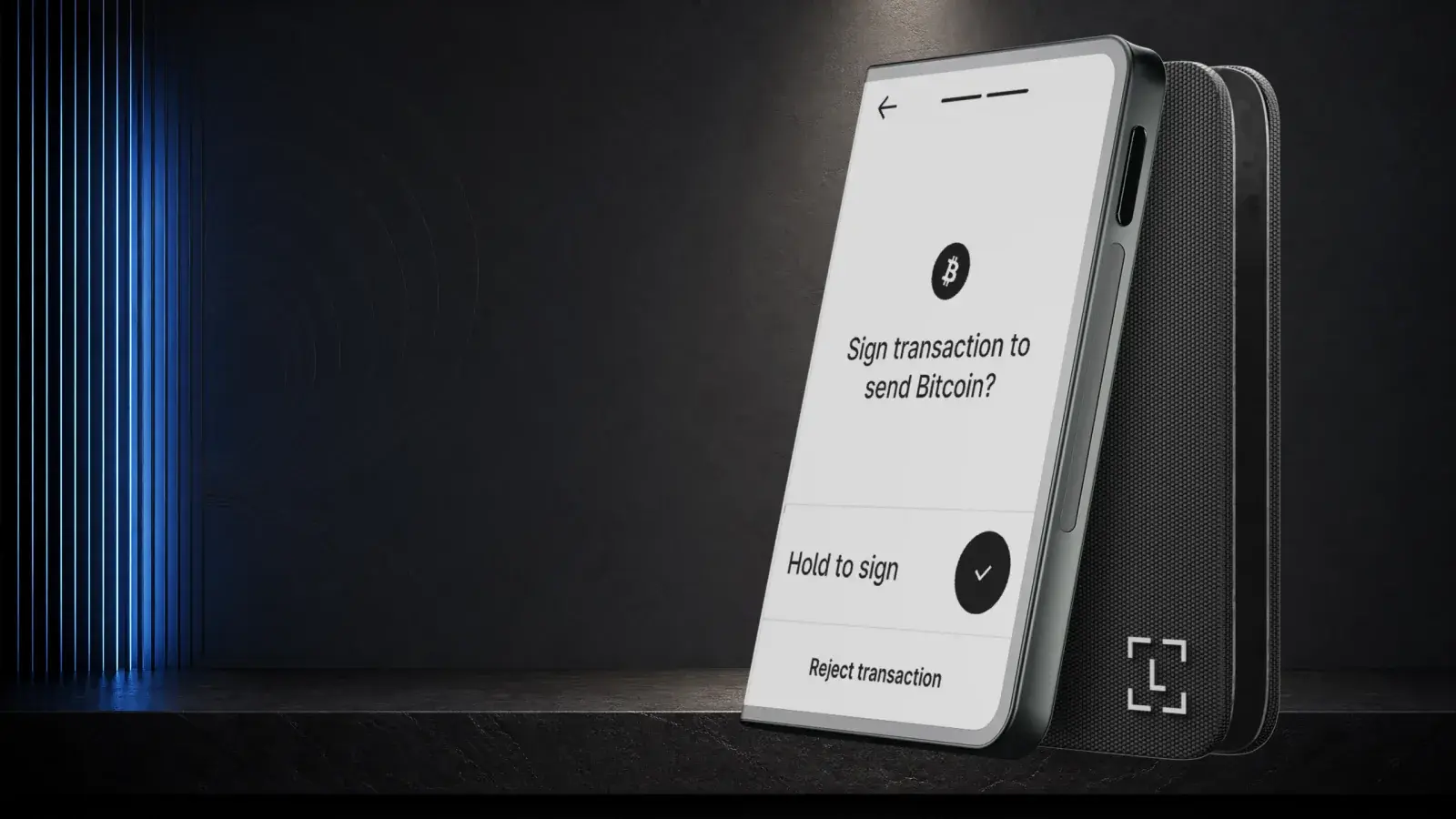
Ledger Stax Review (2026): Is the $399 Wallet Worth It?
Ledger Stax offers a curved E Ink screen and Qi charging for US$399, but not stronger key protection. It suits design-first buyers, not value seekers.
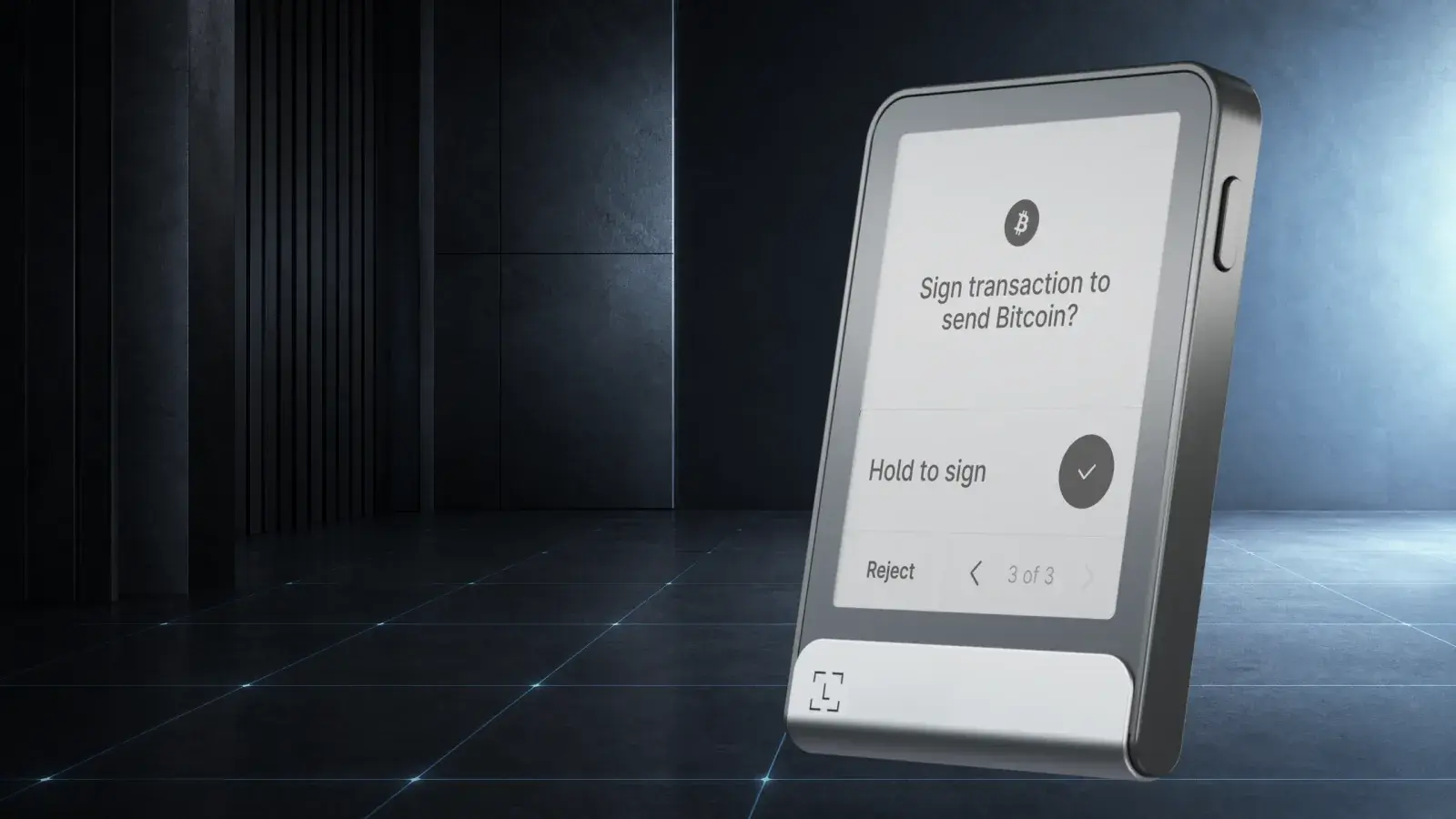
Ledger Flex Review (2026): Is the US$249 Wallet Worth It?
Ledger Flex offers a 2.84-inch E Ink touchscreen for US$249. It suits buyers wanting a premium Ledger without paying US$399 for Stax.
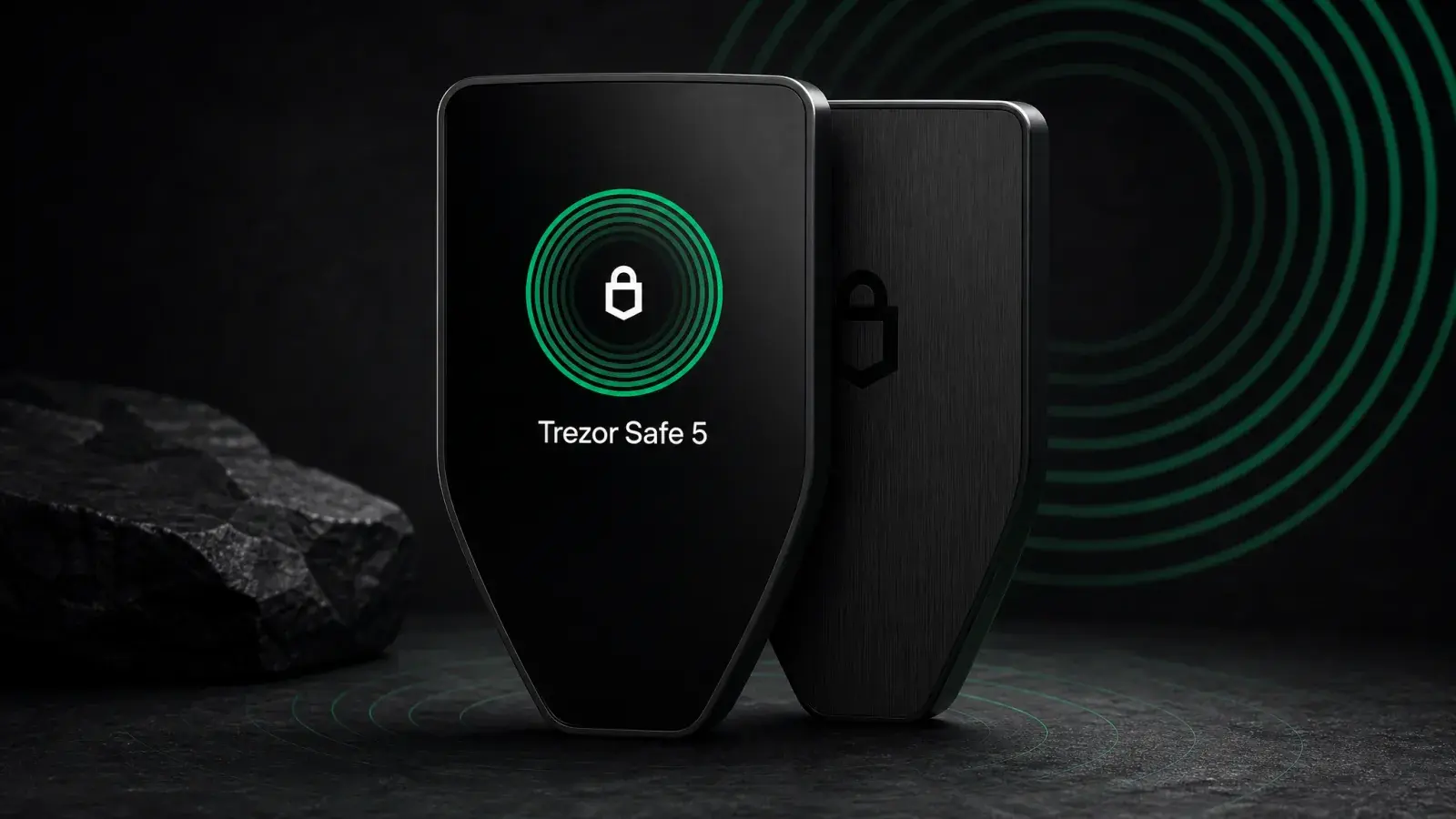
Trezor Safe 5 Review (2026): Best-Balanced Trezor
Trezor Safe 5 review: is the $129 touchscreen wallet worth it in 2026? Compare Safe 3, Safe 7 and Model T, plus the iPhone limits.