
Last checked: 13 August 2026. This comparison covers the current Ledger and Trezor families, KeepKey and Enjin Wallet. It also explains where the older Ledger Nano S, Trezor Model T and Trezor Model One fit today.
Coin support changes with firmware, companion-app releases and third-party integrations. A token name alone is not enough: USDT on Ethereum, Tron and Solana represents three different network integrations. Always confirm the exact asset and network on the manufacturer's live compatibility page before buying a device or sending funds.
Coins supported across all four wallet families
Bitcoin and Ethereum are the clearest common denominators in the manufacturers' current documentation. Ethereum-based ERC-20 tokens are also broadly supported, but the way they appear and the app used to manage them can differ. The previous version of this guide called many tokens “universally supported”; that was too broad because it did not identify their networks.
| Wallet family | Current compatibility summary | Important qualification |
|---|---|---|
| Ledger | Thousands of coins and tokens in Ledger Wallet or compatible third-party wallets | Support and available actions vary by Ledger model, network and app |
| Trezor | Thousands of assets across supported networks | The official checker distinguishes models and Trezor Suite from third-party apps |
| KeepKey | 11 natively signed chains, the Bitcoin family, ERC-20 tokens and EVM-compatible chains | Some assets use compatible interfaces; ADA, DOT and XMR are not supported |
| Enjin Wallet | BTC, ETH, ERC-20 tokens, Enjin Blockchain assets and supported NFTs | It is a mobile software wallet, not a hardware wallet |
“Supported” does not necessarily mean every feature is available. A wallet may be able to receive and sign transfers for an asset while relying on a third-party interface for account display, staking, swaps or NFTs.
Ledger Nano X and Nano S Plus
- The official Ledger asset checker lists thousands of supported cryptocurrencies and identifies whether an asset works in Ledger Wallet or needs third-party software.
- Major integrations include Bitcoin, Ethereum and its tokens, Solana, Cardano and XRP. Check the exact network and available actions in the live list.
- Compatible third-party wallets extend the interface options for some networks; install them only from official sources and verify transaction details on the Ledger screen.
- The companion software formerly called Ledger Live is now Ledger Wallet. Available buying, selling, swapping and staking services vary by asset, provider and jurisdiction.
The original Ledger Nano S is a legacy product and should not be confused with the Nano S Plus. Existing users should check both model compatibility and available device storage before assuming that a current Ledger integration will work identically on the older Nano S.
Trezor Model T and Trezor One
- Trezor's official supported-coins checker can filter by the Safe 7, Safe 5, Safe 3, Model One and Model T, and shows whether management happens in Trezor Suite or a third-party wallet.
- Current Trezor Suite support includes Bitcoin, Ethereum and ERC-20 tokens, Solana, Tron, Cardano, Litecoin, XRP and Dogecoin, although some assets work only on particular models.
- Some firmware-supported assets, including Monero and Tezos, require a compatible third-party wallet instead of Trezor Suite.
- Model One and Model T are no longer sold. Trezor says maintenance for both continues until at least 2031 and critical security fixes until at least 2036; new-coin support differs between the two legacy models.
KeepKey
- Current KeepKey documentation lists 11 natively signed chains, the Bitcoin family, ERC-20 tokens and EVM-compatible networks.
- Firmware 7.14.1 added native Solana, Tron and TON support alongside Bitcoin, Ethereum, XRP, Cosmos, THORChain, Maya, EOS and Nano.
- KeepKey Vault is the main desktop app, with compatible third-party interfaces available for some uses.
- Cardano, Polkadot and Monero are not supported. Avalanche C-Chain and other EVM networks are handled through EVM support rather than separate native integrations.
Enjin Wallet
- The current Enjin Wallet page documents Bitcoin, Ethereum, custom tokens and Enjin Blockchain assets.
- Supports Ethereum-based ERC-20 tokens and ERC-721/ERC-1155 NFTs, as well as Enjin ecosystem tokens and collectibles.
- It is a non-custodial iOS and Android wallet. Its recovery phrase controls the wallet, so it must never be entered into a website or shared with support.
How to check a coin before transferring
- Search the manufacturer's live asset list for the exact ticker and network.
- Confirm that your particular hardware-wallet model is supported.
- Check whether the asset is managed in the manufacturer's app or a named third-party wallet.
- Install current firmware and software from official sources.
- Make a small test transfer, verify the receiving address on the trusted device screen and wait for confirmation before moving the full balance.
Official supported-asset lists
- Ledger supported coins and tokens
- Trezor supported coins and tokens
- KeepKey supported coins
- Enjin Wallet
Frequently asked questions
Which coins work on Ledger, Trezor, KeepKey and Enjin Wallet?
Bitcoin and Ethereum are supported across all four wallet families. Ethereum-based tokens are also broadly supported, but you must verify the token's network and the app needed to manage it. Do not assume that support for a token on Ethereum automatically includes the same token on Tron, Solana or another network.
What does “supported coin” mean for a hardware wallet?
It can mean that the device firmware can derive keys and sign transactions, that the manufacturer's companion app can display and manage the asset, or that a compatible third-party app can use the device for signing. Check all three before relying on a compatibility claim.
Can I send USDT or USDC to any wallet that lists the token?
Not without checking the network. Stablecoins can exist on several blockchains, and a wallet may support one version but not another. Match the sending network to the receiving account exactly and test with a small amount first.
Do Ledger and Trezor support every listed asset in their own apps?
No. Some assets are managed directly in Ledger Wallet or Trezor Suite, while others require a compatible third-party wallet. The official asset checkers identify the relevant app and may also show which device models support the asset.
Are the discontinued Ledger Nano S and Trezor models still usable?
Discontinued does not automatically mean unusable, but legacy devices may have different capacity, firmware and coin support from current models. Existing owners should follow each manufacturer's support notices and live compatibility checker. For a new purchase, compare currently sold models rather than assuming an old review reflects today's product line.
Share
Found this useful?
Share it with someone who'd want to read it.
Related

Hackers Are Using Fake Odyssey Movie Downloads to Steal Crypto
Hackers are using fake Odyssey movie downloads to spread Lumma Stealer, malware that targets passwords, browser sessions, wallet data and crypto recovery phrases.
SafePal Data Breach Exposes 39,798 Hardware Wallet Buyers: What Leaked and What to Do
SafePal says an order-tracking flaw exposed 39,798 buyers. Wallet keys were not leaked, but names, addresses and order details can fuel targeted scams.
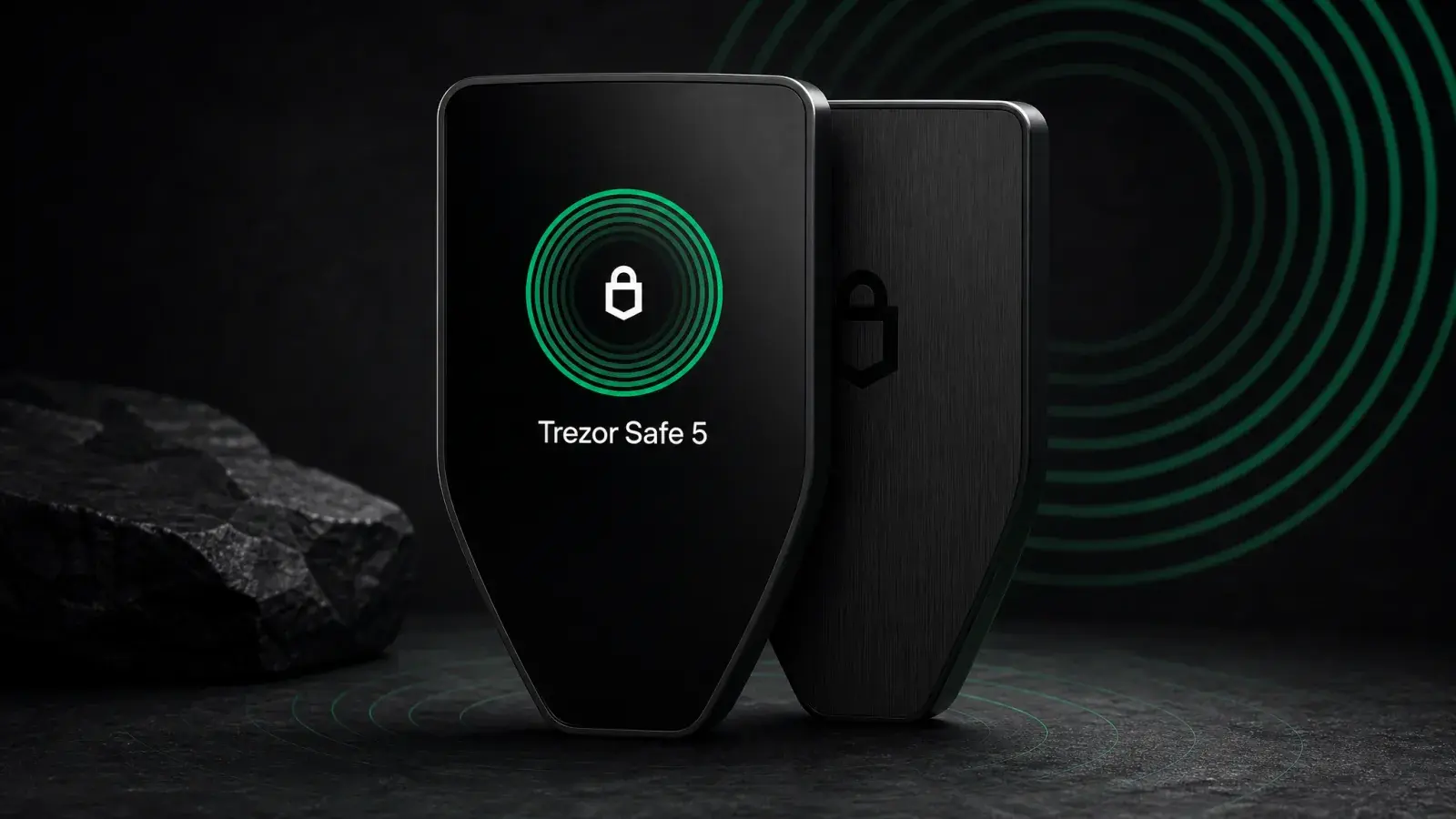
Trezor Safe 5 Review (2026): Best-Balanced Trezor
Trezor Safe 5 adds a touchscreen and haptics to open-source EAL6+ security for US$169. It is the best-balanced Trezor for regular USB-C use.