
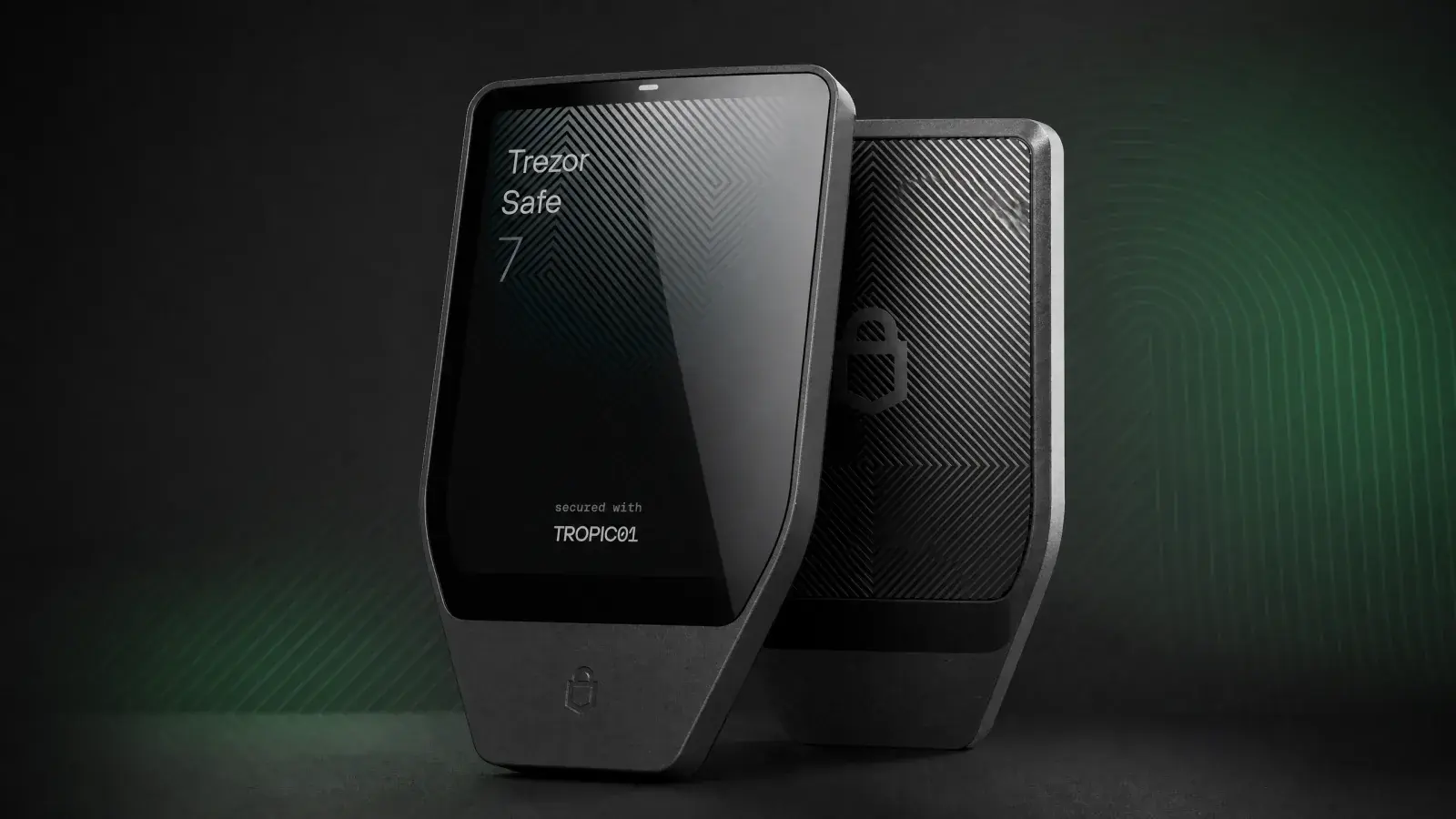
Bottom line: Trezor Safe 7 is the best Trezor for people who will actually carry and use their hardware wallet with a phone. The color touchscreen, encrypted Bluetooth, long-life battery design and three-chip security architecture are real upgrades. It is also a US$249 flagship competing against Trezor’s own excellent Safe 5. Buy Safe 7 for wireless convenience and premium construction, not because the words “quantum-ready” make your Bitcoin quantum-proof.
For twelve years, using a Trezor usually meant finding a cable.
The Trezor Safe 7, launched on October 21, 2025, is the company’s first wireless hardware wallet. It pairs a 2.5-inch color touchscreen with Bluetooth, Qi2-compatible magnetic charging, a LiFePO₄ battery and an aluminum body. Internally, it adds TROPIC01, an auditable Secure Element, to the Infineon Secure Element and STM32 microcontroller already protecting the device.
This is Trezor trying to keep its open-source identity while building something that feels less like a developer tool and more like a finished consumer product.
Review methodology: Boxmining has not claimed a hands-on durability or battery test for this unit. This review assesses the shipping hardware, current Trezor Suite experience, official documentation, independent security research and its position against Trezor models we have previously covered. Prices and support were checked on August 10, 2026.
Trezor Safe 7 specifications
| Feature | Trezor Safe 7 |
|---|---|
| List price | US$249 |
| Display | 2.5-inch color touchscreen, 520 × 380 pixels, 700 nits |
| Security | TROPIC01 + Infineon OPTIGA Trust M (EAL6+) + STM32U5 MCU |
| Connectivity | Encrypted Bluetooth 5.0+, USB-C |
| Charging | USB-C and Qi2-compatible wireless charging |
| Battery | 330 mAh LiFePO₄ |
| Durability | Aluminum unibody, Gorilla Glass 3, IP54 dust/splash resistance |
| Size | 75.4 × 44.5 × 8.3 mm |
| Weight | 45 g |
| Backup | 12-, 20- or 24-word; Advanced Multi-share Backup |
| Authentication | FIDO2 |
Trezor publishes the complete hardware list on the Safe 7 product page. A Bitcoin-only edition is also available for buyers who do not want altcoin firmware.
The biggest upgrade is wireless Trezor Suite
Safe 7 can pair with Trezor Suite on a phone or computer through the open-source Trezor Host Protocol. The protocol encrypts commands and transactions, and the device remains hidden from unpaired hosts. Bluetooth can be disabled if you want a USB-C-only workflow.
That does not make Safe 7 air-gapped. It is still communicating with a networked host, just without a cable. The security boundary is the device screen: the phone prepares the transaction, and Safe 7 shows what it is being asked to sign. If the two displays disagree, reject it.
Wireless charging is a convenience rather than a custody feature. The Qi2-compatible magnets solve the annoyance of keeping a rarely used device charged, while the LiFePO₄ chemistry is better suited to long storage than a conventional lithium-ion battery. Trezor says the device will continue to work over USB-C even if the battery eventually fails.
Display and build quality
The 2.5-inch, 520 × 380 color display is large enough for address review, PIN entry and passphrase workflows without turning the device into a second phone. Haptic feedback makes confirmations feel deliberate. Gorilla Glass 3 covers the front, and the aluminum unibody is a significant step up from the plastic Safe 3 and Safe 5.
IP54 means resistance to dust and splashes. It does not mean the wallet should be submerged. This is useful protection against a wet table, not permission to take the device swimming.
The 45 g body remains pocketable, but buyers should be honest about their habits. A hardware wallet carried every day is more exposed to loss and physical theft than one stored securely at home. Mobile convenience changes the risk pattern. It can solve one problem while creating another.
Three-chip security, explained without the marketing fog
Safe 7 separates duties across three components:
- STM32U5 microcontroller: runs the main open-source Trezor firmware and coordinates the device.
- Infineon OPTIGA Trust M: an NDA-free, EAL6+ Secure Element that helps enforce PIN protection and device authenticity.
- TROPIC01: Tropic Square’s auditable Secure Element, adding another source of hardware protection and entropy.
No single Secure Element holds the complete wallet backup or private keys. Trezor’s aim is to avoid turning one black-box chip into the entire trust anchor. The architecture is more interesting than a simple certification badge because an attacker has to defeat cooperating layers rather than one component.
Firmware and core designs remain open for inspection. That is Trezor’s clearest advantage over Ledger for buyers who care about auditability, although “open-source” does not mean bug-free. Public designs make scrutiny possible; they do not replace it.
The TROPIC01 vulnerability buyers need to know
On June 3, 2026, Ledger Donjon disclosed a laser fault-injection attack against TROPIC01. Researchers bypassed the chip’s Ed25519 signature verification and achieved arbitrary firmware execution on the Secure Element. Tropic Square then extended the research to a PIN-related secret.
That sounds catastrophic until the scope is separated from the headline.
The attack requires physical possession, destructive chip preparation, laser equipment and specialist expertise. Donjon also reported that TROPIC01’s hardware-backed secret storage remained resilient to further extraction. In Safe 7, breaking TROPIC01 alone does not reveal the PIN, wallet backup or private keys because the Infineon chip and main microcontroller remain separate layers.
Trezor’s response says users do not need to take action and that funds cannot be accessed through this flaw, even with physical possession. It also confirms the hardware flaw cannot be fully fixed with a firmware update and does not promise a date for revised Safe 7 silicon.
Our view: this is not a remote fund-draining exploit, and it is not a reason for existing owners to panic. It is still material information in a US$249 product sold partly on physical security. Buyers facing an unusually capable physical adversary should understand that the first-generation TROPIC01 silicon now has a published fault-injection path. Everyone else is more likely to lose money to a fake Trezor Suite download, exposed backup or careless approval.
What “quantum-ready” really means
Safe 7 uses the SLH-DSA-128 post-quantum signature scheme to verify its bootloader, firmware and device authentication. That helps the device reject malicious firmware even if future quantum computers threaten traditional signature systems.
It does not change Bitcoin, Ethereum or the signature scheme protecting coins already on a blockchain. A hardware wallet cannot independently make an entire network quantum-safe. Trezor’s claim is best read as upgrade-ready device architecture, not a force field around your portfolio.
This is thoughtful engineering for a long-lived signer. It should not be the main reason to spend US$249 today.
Backup, recovery and passphrases
Safe 7 supports 12-, 20- and 24-word wallet backups plus Advanced Multi-share Backup. Multi-share backup divides recovery across several sets of words and lets you choose a threshold, such as two of three shares. It can protect against one lost or stolen backup, but it also creates a more complicated ceremony.
For most buyers, one correctly secured backup is safer than an elaborate system they have never tested. If you choose multi-share:
- Record every share offline.
- Store shares in genuinely separate locations.
- Document the threshold without exposing the words.
- Run a recovery check before depositing a large balance.
An optional passphrase creates a separate hidden wallet. There is no reset button for a forgotten passphrase. Treat it as another secret that heirs or future-you must reproduce exactly.
Coins, dApps and Trezor Suite
Trezor says Safe 7 can manage thousands of coins and tokens, including Bitcoin, Ethereum, Solana, Arbitrum and USDC. It also connects to more than 30 third-party wallet apps and dApps through WalletConnect.
Asset counts are a poor buying shortcut. Check the exact coin in Trezor’s current asset directory, then check whether the workflow is native to Trezor Suite or requires MetaMask, Rabby, Backpack or another wallet. The private keys can stay on Safe 7 while the software interface introduces its own phishing and transaction-interpretation risks.
Trezor Suite includes buy, sell, swap and stake routes through third parties. Compare spreads and fees before using them. Self-custody of the signing key does not remove the commercial terms of an integrated provider.
What we like
- Trezor finally works naturally with a phone. Encrypted Bluetooth removes the cable ritual without removing on-device confirmation.
- The display is excellent for transaction review. Color, size and haptics make security prompts easier to understand.
- Layered, inspectable security. Two Secure Elements and a separate MCU reduce dependence on one chip.
- A body built for daily use. Aluminum, Gorilla Glass and IP54 protection make sense on a mobile flagship.
- Long-life battery design. LiFePO₄ and USB fallback are better choices for a device that may sit unused for months.
- Strong recovery options. Standard and multi-share backups cover simple and advanced custody plans.
What we do not like
- US$249 is a serious premium. Safe 5 already gives most users a touchscreen, Secure Element and open-source Trezor workflow.
- It is not air-gapped. Bluetooth is encrypted and optional, but strict isolation buyers should look elsewhere.
- The TROPIC01 flaw is in hardware. Layering contains the disclosed attack, but current devices cannot fully patch the affected silicon.
- “Quantum-ready” is easy to overread. It protects device integrity and future updates, not every blockchain asset today.
- More convenience creates more ceremony choices. Bluetooth pairing, batteries, wireless charging and multi-share backup are useful only when the owner understands them.
Trezor Safe 7 vs Safe 5 and Safe 3
| Wallet | Best for | Current list price | Main compromise |
|---|---|---|---|
| Trezor Safe 3 | Budget cold storage and backup devices | US$79 | Small monochrome display, buttons, USB-C only |
| Trezor Safe 5 | Most home users | US$169 | Smaller screen, plastic body, no Bluetooth or battery |
| Trezor Safe 7 | Mobile users and premium build buyers | US$249 | Highest price, battery, more connectivity |
Safe 5 remains the rational default for someone who keeps the wallet at home and connects it a few times a month. Safe 7 earns its extra US$80 when wireless phone use, the larger screen and durable enclosure will change how often you use the device correctly.
Is Trezor Safe 7 worth it?
Yes, but for a narrower audience than the flagship label suggests. Safe 7 is Trezor’s most complete wallet. It solves the company’s mobile problem, feels built for years of use and has a security architecture worth studying rather than merely trusting.
A Safe 5 stored well with a tested backup may be safer for a particular owner because it is simpler and cheaper. An air-gapped Bitcoin signer may suit someone who rejects all wireless interfaces. No device compensates for a recovery phrase stored in cloud notes.
Choose Safe 7 if you want Trezor’s open-source approach, will use the wallet with a phone and value a screen that makes careful signing easier. Choose Safe 5 if the wallet mostly lives in a safe. That is the decision the marketing page does not make for you.
Buy from Trezor’s official store or an authorized reseller. Check the holographic seal, install firmware yourself through the official Trezor Suite, and never use a device that arrives with a completed backup card.
Trezor Safe 7 FAQ
What is the Trezor Safe 7?
Trezor Safe 7 is Trezor's premium touchscreen hardware wallet. It adds encrypted Bluetooth, Qi2-compatible wireless charging, a battery, an aluminum body and a three-chip security architecture.
How much does Trezor Safe 7 cost?
The official US list price was US$249 when checked in August 2026. Local taxes, shipping, currency conversion and reseller pricing can change the final cost.
Can Bluetooth be disabled on Trezor Safe 7?
Yes. Bluetooth is optional, and owners can use Safe 7 through USB-C instead. Transaction details still need to be verified on the hardware wallet's own screen.
Is Trezor Safe 7 air-gapped?
No. It communicates with a phone or computer through encrypted Bluetooth or USB-C. An air-gapped wallet avoids those direct host connections entirely.
Will Trezor Safe 7 work if its battery fails?
Trezor says Safe 7 can continue operating over USB-C if the internal battery eventually fails. Wireless use and charging would no longer be available in that condition.
What does quantum-ready mean on Trezor Safe 7?
It means the device uses a post-quantum signature scheme to verify its bootloader, firmware and authenticity. It does not make Bitcoin, Ethereum or existing blockchain signatures quantum-proof.
Does the TROPIC01 vulnerability make Safe 7 unsafe?
The disclosed issue is a sophisticated physical fault-injection attack against one chip, not a remote exploit. Trezor says Safe 7's layered architecture has not been hacked through it, but the affected first-generation silicon cannot be fully repaired by firmware.
Is Trezor Safe 7 better than Safe 5?
Safe 7 is better for wireless phone use, a larger display and premium construction. Safe 5 is the better-value choice for many owners who keep their wallet at home and are comfortable using USB-C.
Which backups does Trezor Safe 7 support?
It supports 12-, 20- and 24-word wallet backups plus Advanced Multi-share Backup. Owners should test their recovery process before storing a significant balance.
Where should buyers purchase and set up Trezor Safe 7?
Buy from Trezor or an authorized reseller, inspect the packaging and authenticate the device through the official Trezor Suite. Never use a supplied recovery phrase or download wallet software from an advertisement.
This article is educational information, not financial advice. Hardware wallets reduce some risks; they do not remove smart-contract, phishing, backup or user-error risk.
Share
Found this useful?
Share it with someone who'd want to read it.
Related
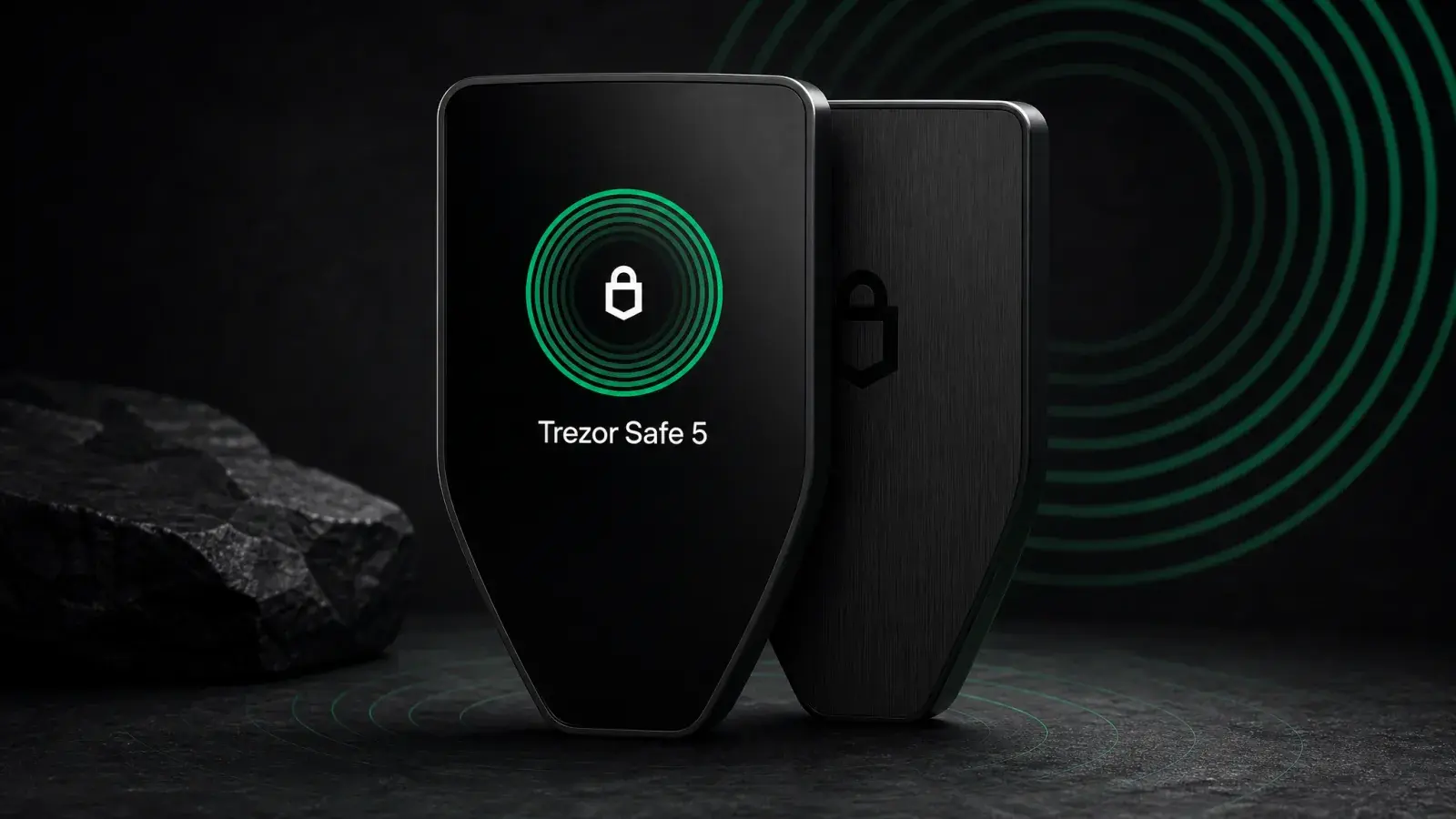
Trezor Safe 5 Review (2026): Best-Balanced Trezor
Trezor Safe 5 adds a touchscreen and haptics to open-source EAL6+ security for US$169. It is the best-balanced Trezor for regular USB-C use.
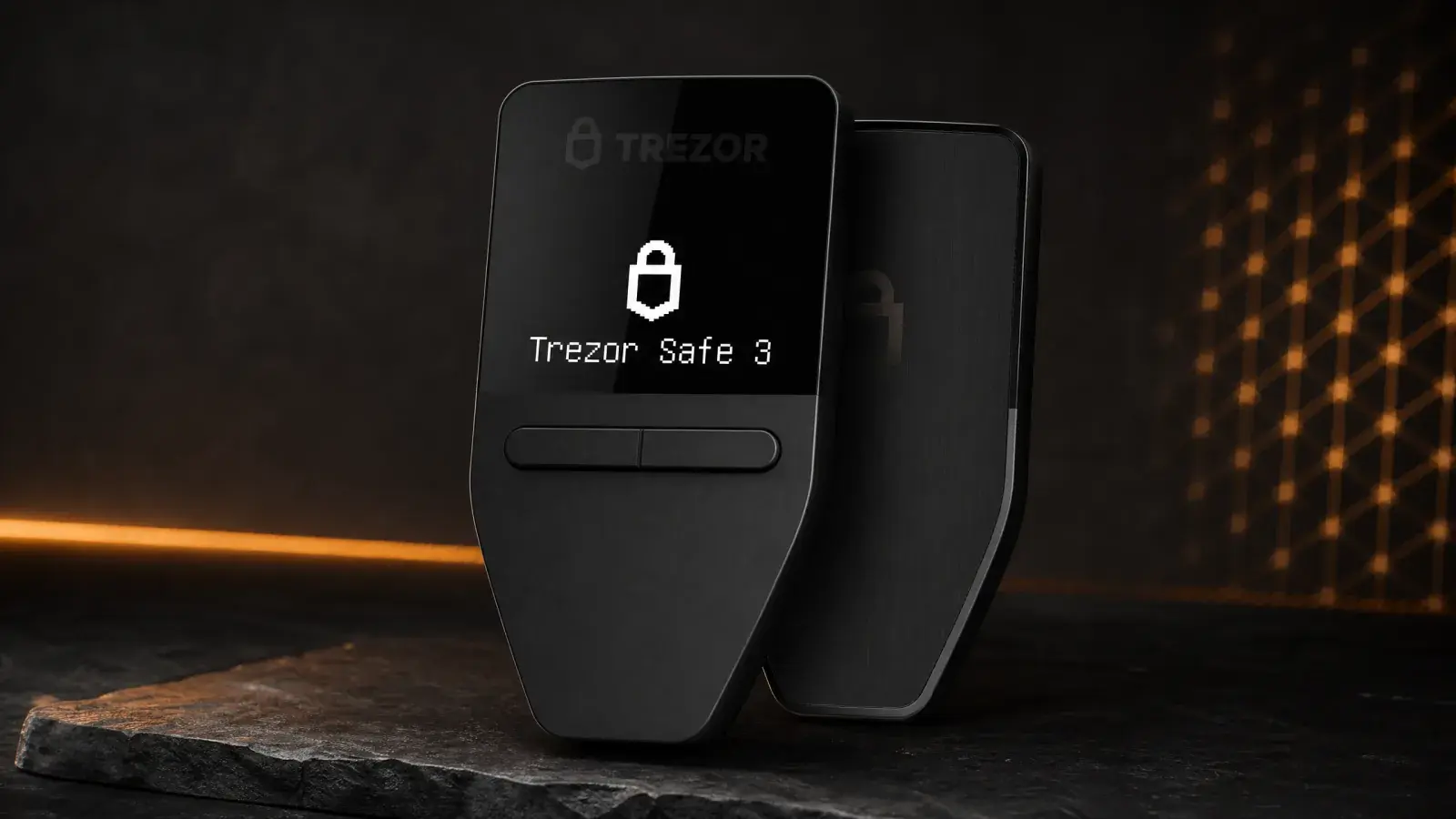
Trezor Safe 3 Review (2026): The Best US$79 Cold Wallet?
Trezor Safe 3 offers open-source cold storage and an EAL6+ Secure Element for US$79. Best for holders who accept a tiny screen and no iPhone support.
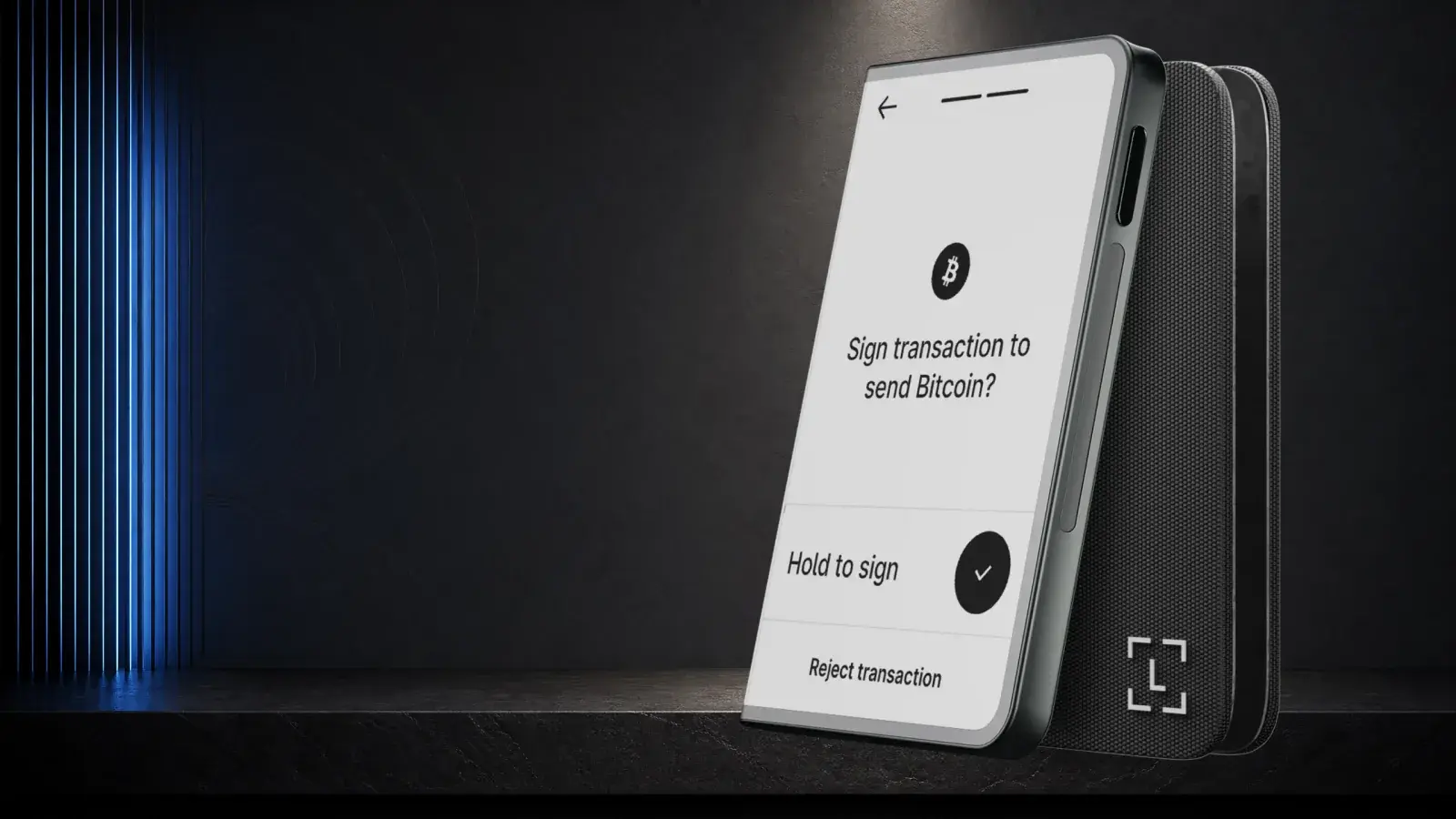
Ledger Stax Review (2026): Is the $399 Wallet Worth It?
Ledger Stax offers a curved E Ink screen and Qi charging for US$399, but not stronger key protection. It suits design-first buyers, not value seekers.